About Loka - Localization Hub
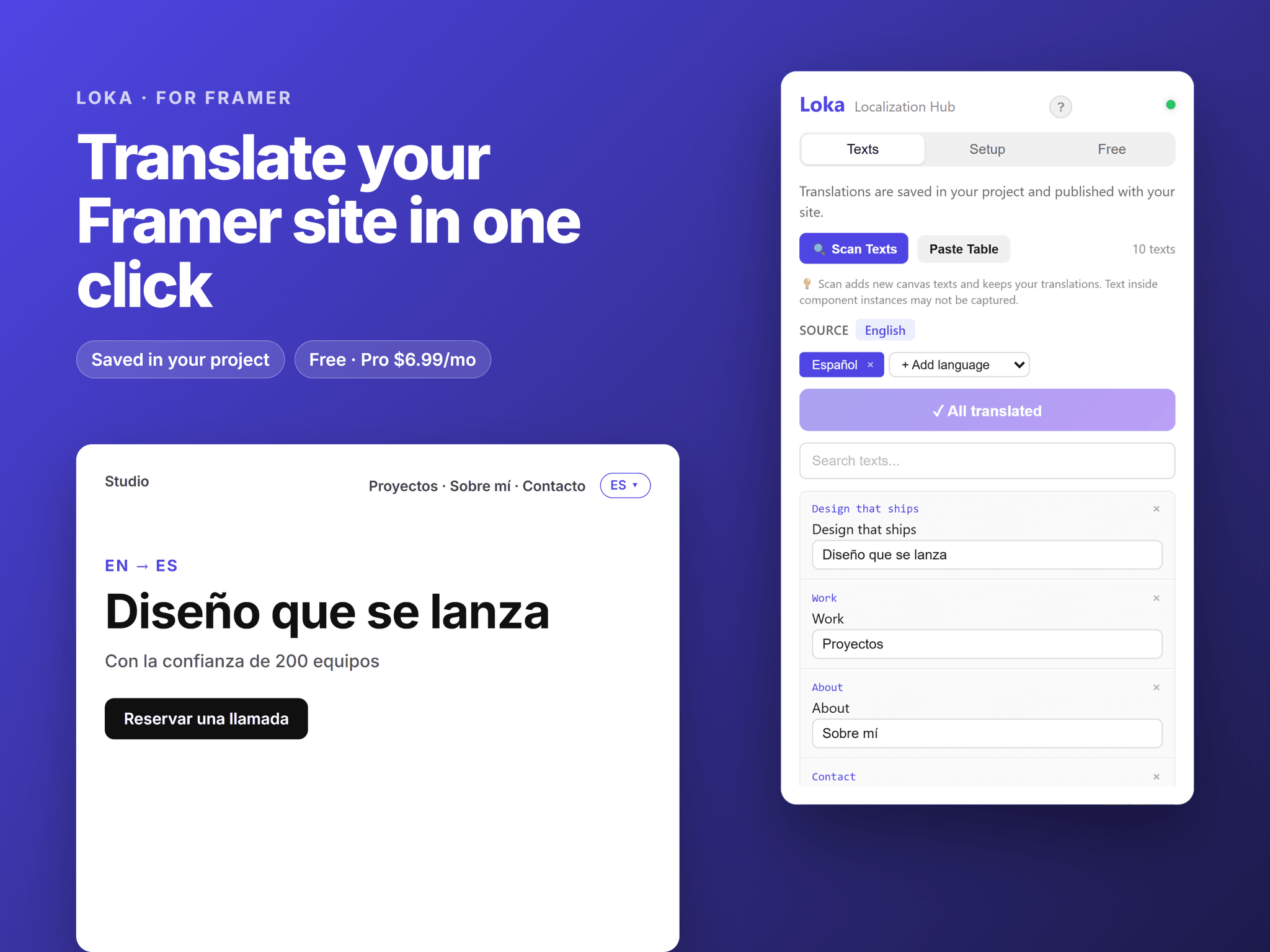
Loka makes your Framer site multilingual. Translations are saved in your project and published with your site.
How it works
Scan: collect the text layers on your canvas.
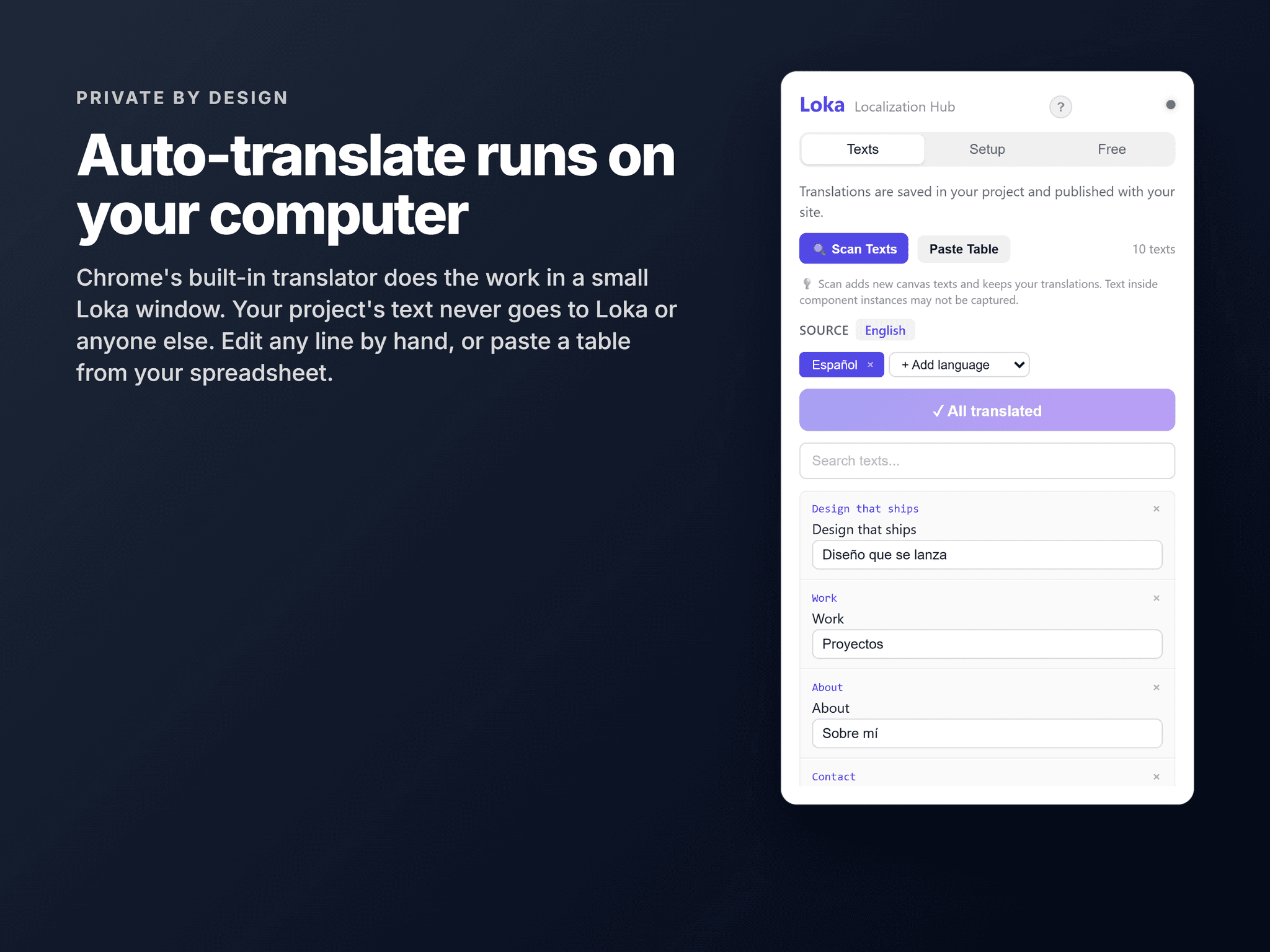
Translate: add a language and auto-translate in one click, then edit anything by hand. Already have translations? Paste a table from your spreadsheet.
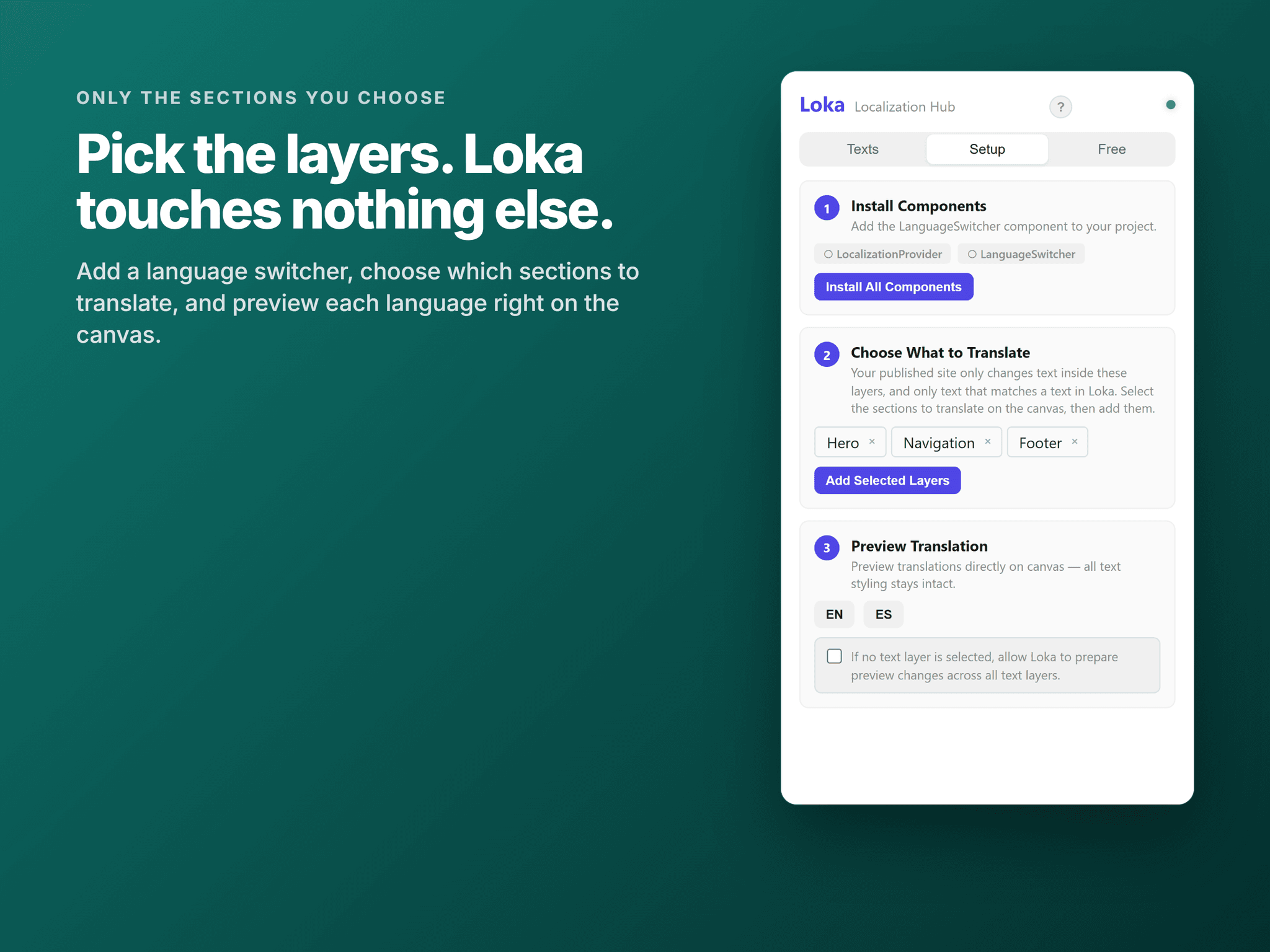
Choose: select the sections to translate and add them in Setup. Loka never touches anything else on your site.
Publish: add the language switcher and let visitors pick their language.
Only the sections you choose
Translation is opt-in. Your published site only changes text inside the layers you pick in Setup, and only text that matches one of your texts in Loka. Until you pick a layer, nothing on the page is read or changed.
Your text stays on your computer
Auto-translate uses Chrome's built-in translator on your own computer, in a small Loka window. Your project's text is never sent to Loka or anyone else. The first time you translate into a language, click Download in that window.
Features
• One-click auto-translate, on your device (Chrome)
• Translations stored in your Framer project, so your live site loads nothing extra
• Text styles, fonts and layouts stay exactly as designed
• Language switcher in dropdown, buttons or pills styles
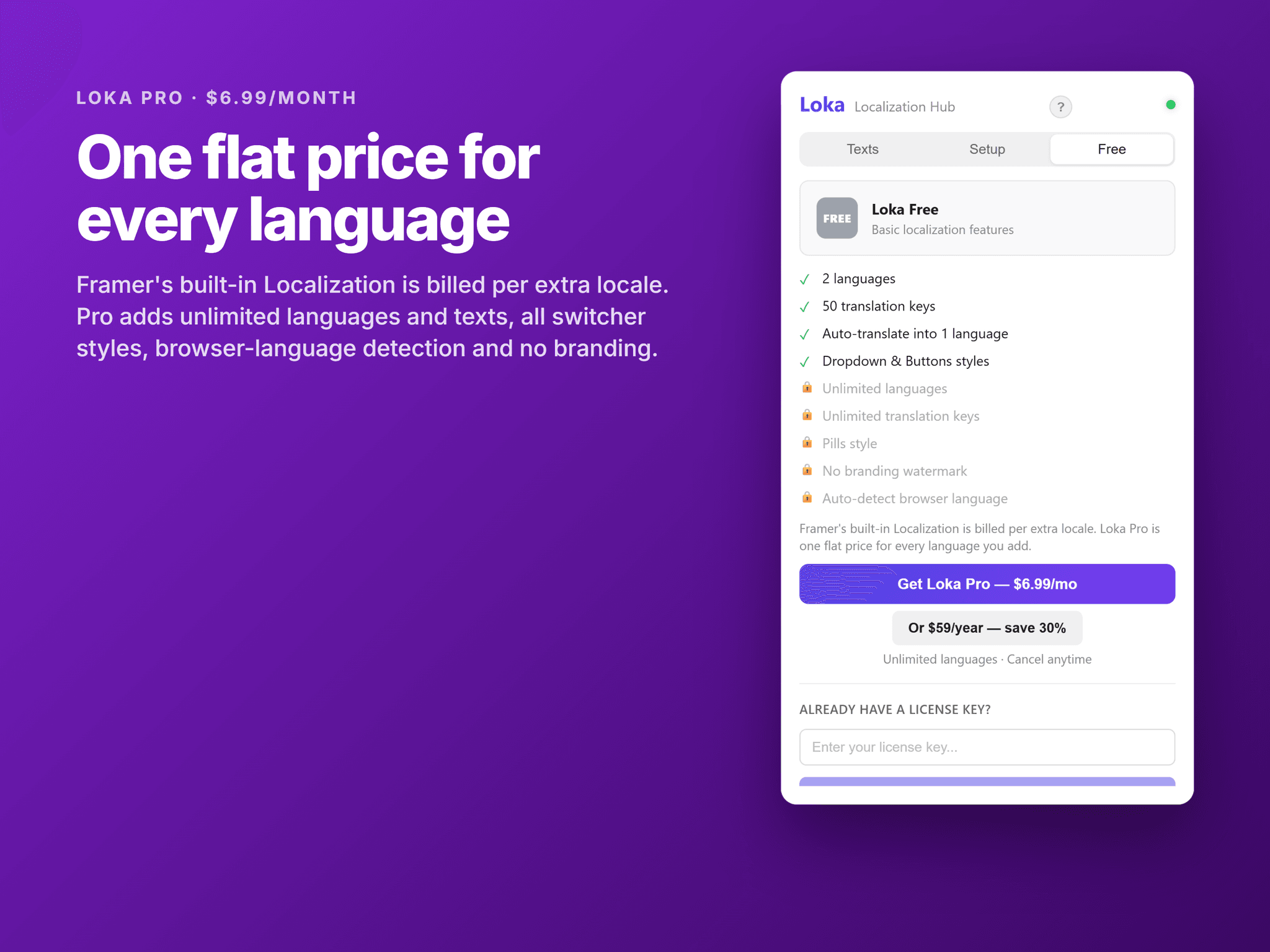
Free vs Pro
Free: 2 languages, 50 texts, auto-translate into 1 language, dropdown and buttons styles.
Pro: unlimited languages and texts, auto-translate everything, all switcher styles, browser language detection, no branding.
Pro is activated with a license key. Loka checks it with our license service, sending only the key and an activation ID. The free features never contact a server.