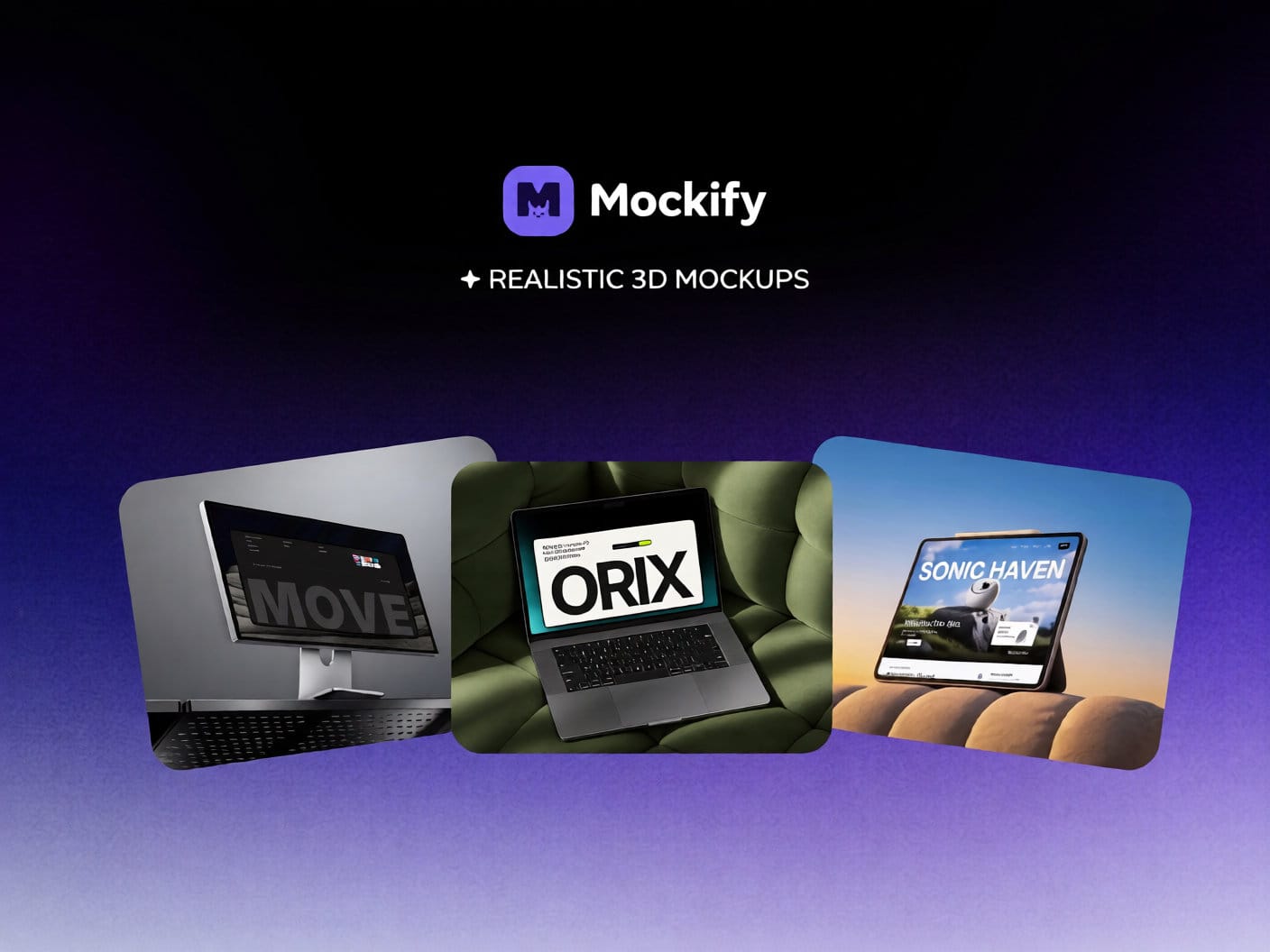
About Mockify
Mockify brings hyper-realistic 3D device mockups directly into your Framer canvas in one click. Every mockup is a native Framer code component — drop in any image or video, and your screen fills instantly.
⚡ Why Mockify?
• 1-Click Insert: Lands on your canvas as an interactive code component.
• Image & Video: Full support for photos and autoplaying demo videos.
• Live Customization: Tweak app icons, labels, clocks, and colors directly in Framer's sidebar controls.
• Production Fidelity: Realistic lighting, ambient shadows, and studio reflections.
• No App Switching: Skip Figma, exporting, and flat PNGs.
🎁 Free Tier
Get started with free mockups & unlimited inserts:
• Stone Monitor — Minimalist desktop in an aesthetic stone studio
• Canyon Laptop — Modern widescreen laptop with cinematic presence
• Sun Lit Tablet — Natural tablet under soft ambient sunlight
• Sideline Phone — Macro phone frame with editable clock, app icon & title
✦ Mockify Plus
Unlock the full premium collection + every monthly drop:
• Sunlit Sofa (Laptop) — Warm luxury laptop on modern sofa
• Closeup App Phone — Macro phone with customizable app icon & clock
• Rock Phone — Floating phone on textured rock podium
• Sunset Tablet — Sleek tablet under warm sunset studio light
• Steel Monitor — Curved cinematic display on perforated steel
• Olive Laptop — Metallic laptop on olive cushion podium
• Angled Monitor — Dynamic perspective desktop display
• Industrial Monitor — Rugged workstation monitor
• Steel Phone — Smartphone on brushed metallic planks
• + New devices added every month
🚀 How It Works
1. Open Mockify in Framer
2. Pick any device mockup
3. Click "Insert into Framer"
4. Replace screen content with your image or video
Support: orixfoundry@gmail.com
Terms: mockify.framer.website/terms
Privacy: mockify.framer.website/pivacy-policy