About Model Prep
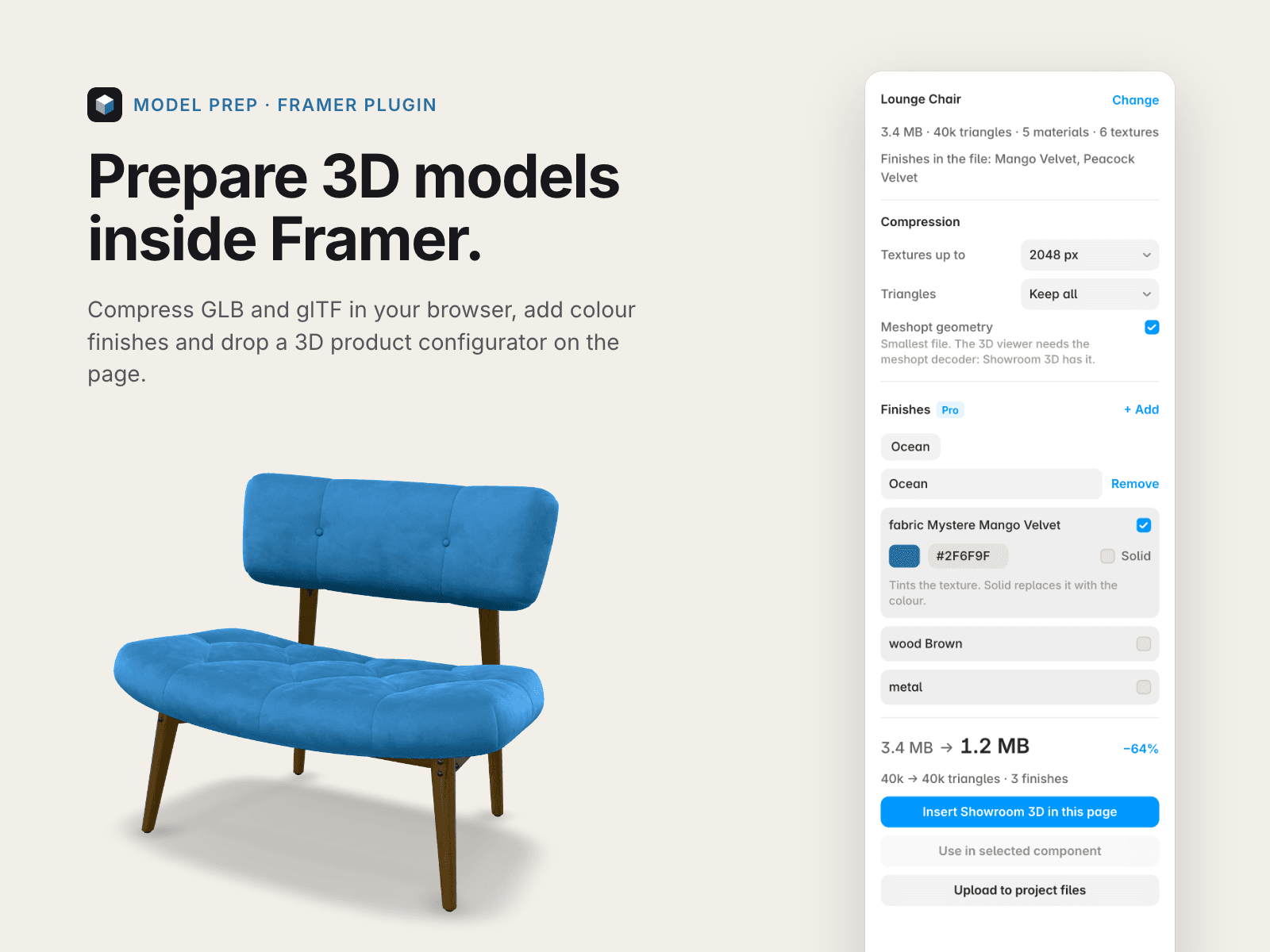
Model Prep gets 3D models ready for Framer without leaving the editor. Drop a GLB or glTF file: the plugin compresses it in your browser, uploads it to your project and puts it where you need it.
Free
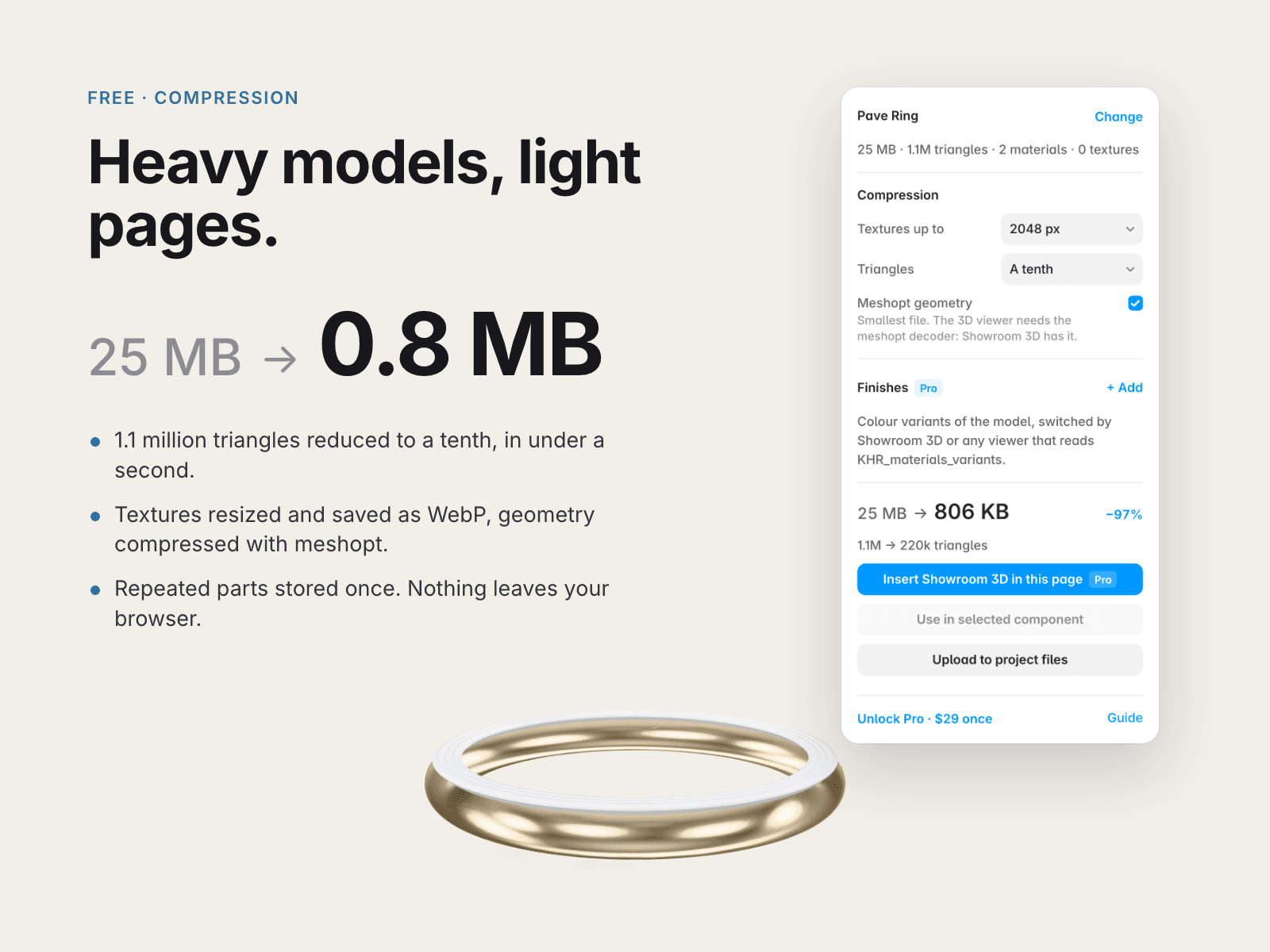
Compression in your browser: textures resized and saved as WebP, geometry compressed with meshopt, repeated parts stored once, triangles reduced when you ask. A test ring with 1.1 million triangles went from 25 MB to 0.8 MB.
Upload to your project's files, or straight into the 3D component you have selected on the canvas.
Pro, $29 once, for one person
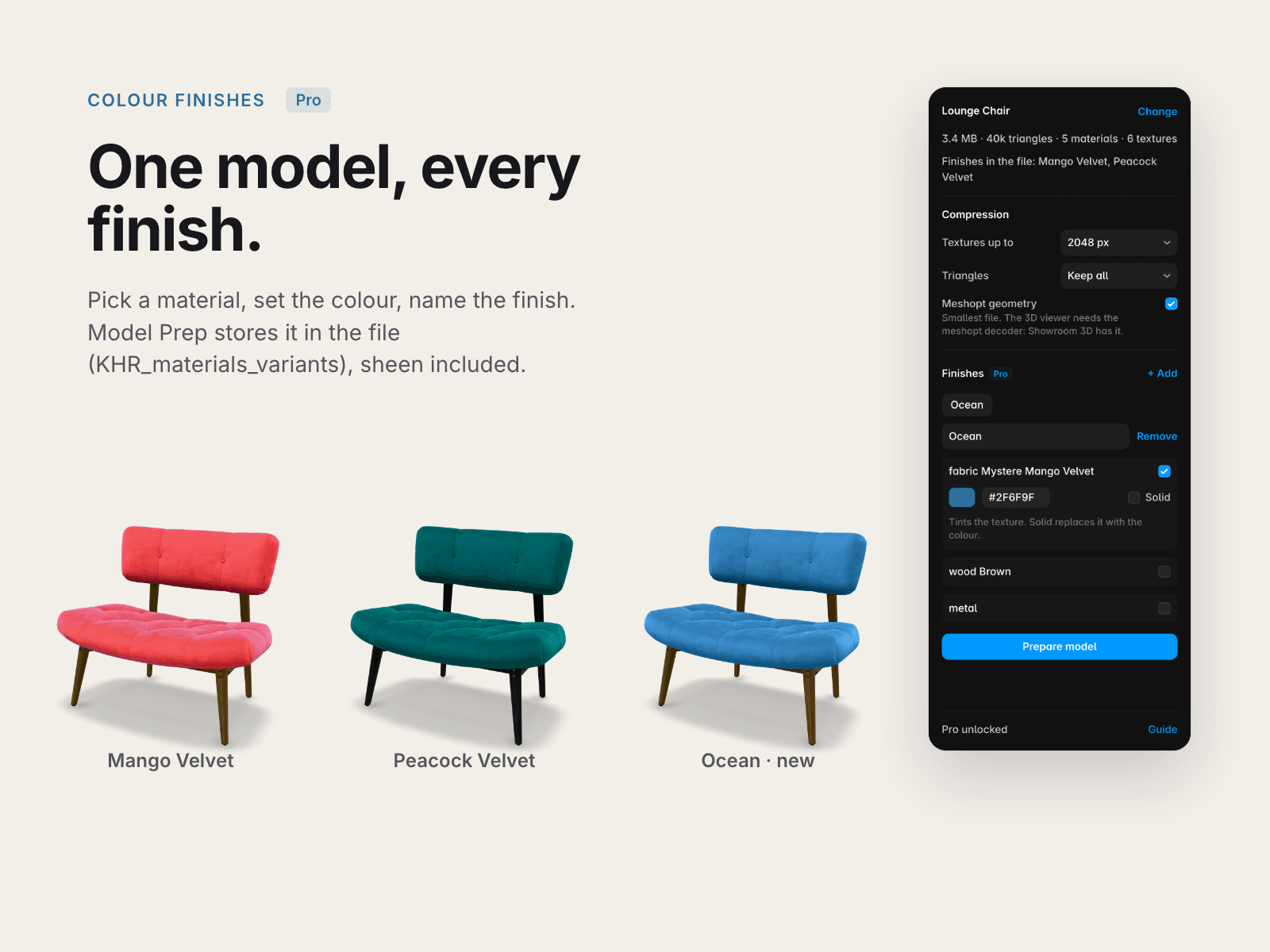
Colour finishes: new variants of the model's materials, stored in the file (KHR_materials_variants), sheen included.
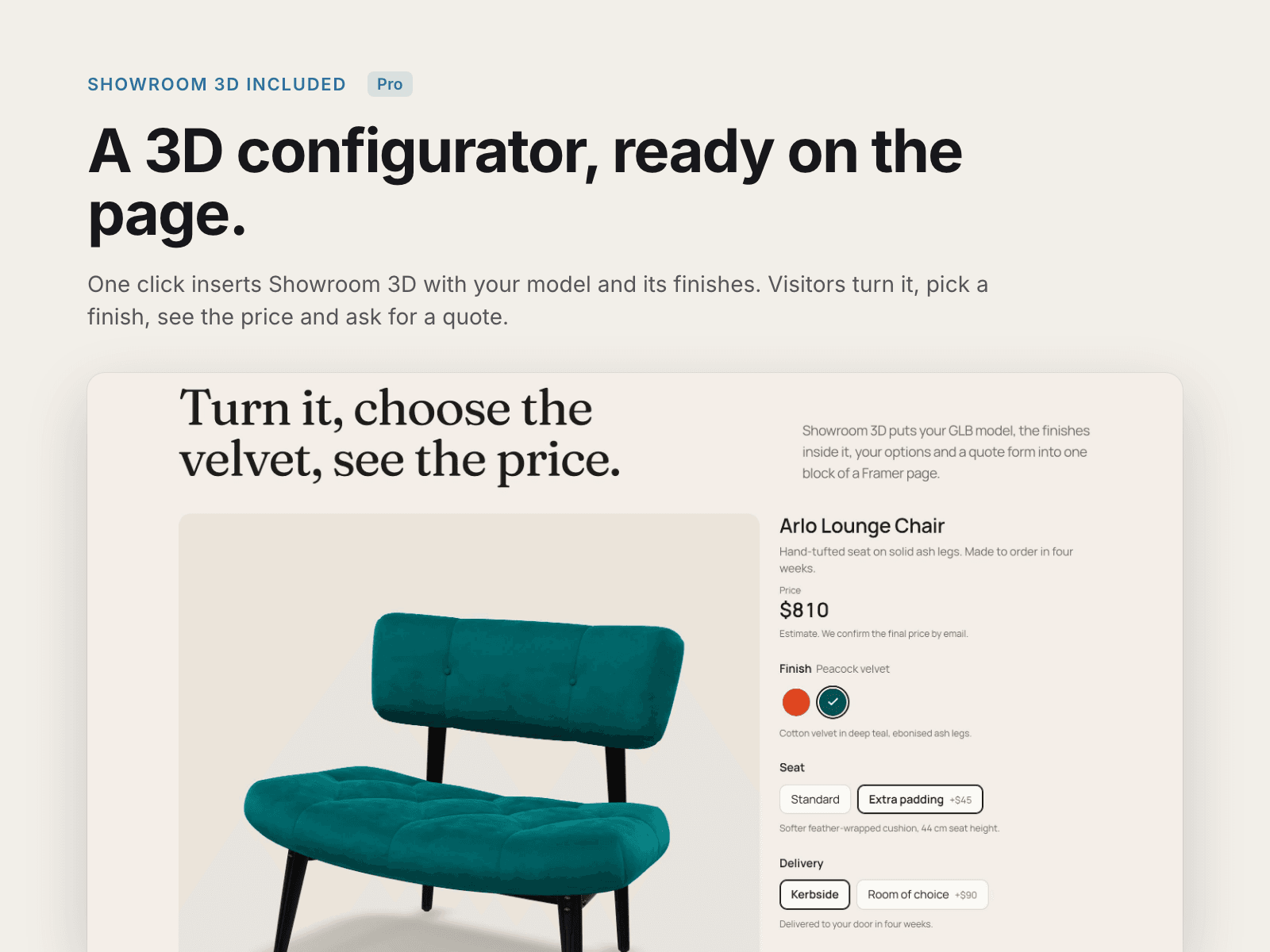
Showroom 3D, our 3D product configurator component, inserted in the page with your model and its finishes: visitors turn the model, pick a finish, choose options, see the price and send a quote request.
Click Unlock Pro in the plugin: the payment page (Stripe) shows your unlock code.
Privacy
Your model is prepared in your browser and goes only to your Framer project. No analytics, no tracking. Payments happen on Stripe.
Limits
GLB and glTF only: no FBX, OBJ or STL, and no Draco-compressed files yet. Meshopt needs a viewer with the meshopt decoder (Showroom 3D, three.js, model-viewer and Babylon.js have it): turn it off for other viewers.
User guide (PDF): https://framerusercontent.com/assets/ytNizIRH8RNGg7efGuZtZcJKyI.pdf
Help: info@litchisolutions.com