About My Alt Text Audit
Overview
My Alt Text Audit is your go-to tool for scanning your Framer project’s image alt text and link text. Find missing, vague, duplicated, or empty descriptions in seconds (or less!) and make your site more accessible for everyone. Accessibility is one of the key elements of professionally functioning sites.
You choose what to find
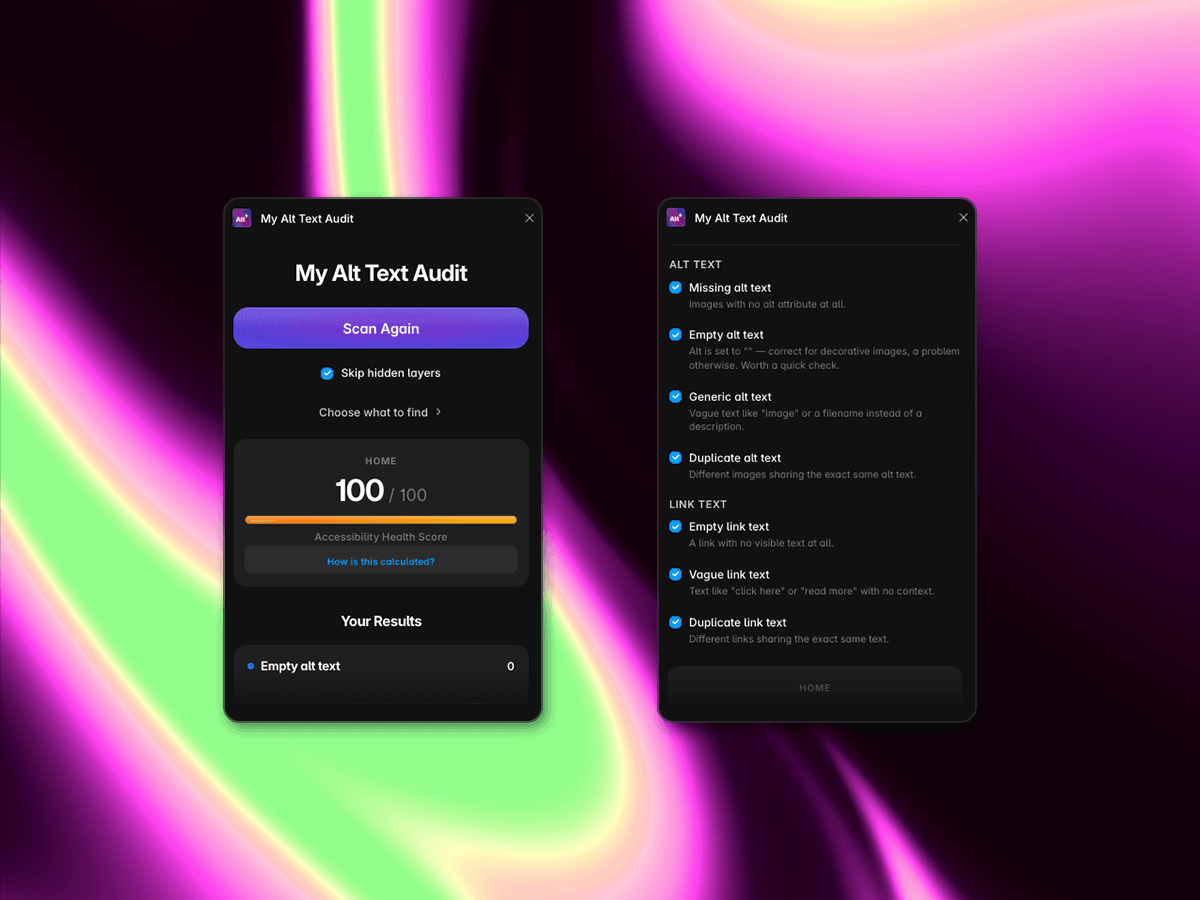
Customize your audit by toggling exactly which checks to include. Only want to find missing alt text? Turn the rest off. Want a complete accessibility check? Scan them all.
Alt text checks:
Missing alt text: Images with no alt attribute at all.
Empty alt text: Alt text is set to
"". This is correct for decorative images, but worth checking when it is not.Generic alt text: Vague descriptions such as “image” or a filename instead of meaningful text.
Duplicate alt text: Different images sharing the exact same alt text.
Link text checks:
Empty link text: A link with no visible text at all.
Vague link text: Text such as “click here” or “read more” with no context.
Duplicate link text: Different links sharing the exact same visible text.
You can also choose to skip hidden layers, so your results reflect the content visitors can actually see.
How does it work?
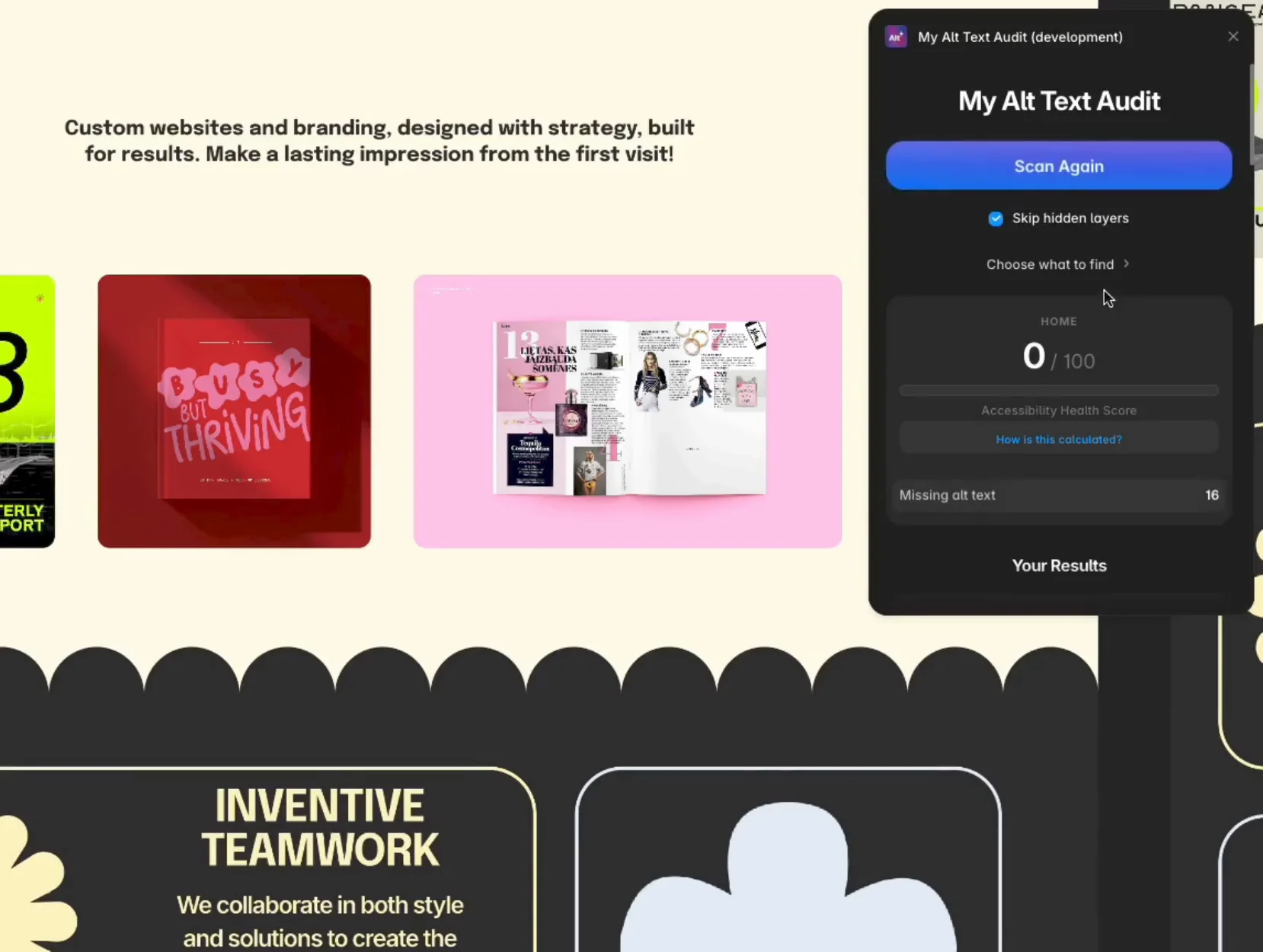
With one click, My Alt Text Audit scans your page and flags every issue by category. No manual checking of image and link layers one by one. Rescan anytime after making changes.
The fun part: your accessibility score! ✨
See your real-time Accessibility Health Score, which reflects how complete and descriptive your content is. Watch your score improve as you resolve issues and hit 100 for a fully audited page. 🤘
Always with care
· Made by Arta from Jelly Studio ·