About Savepoint
Savepoint keeps copies of your Framer CMS, so you can see what changed and put it back. Delete the wrong item or run a bulk edit that goes badly, and a snapshot from before the mistake gets the old content back in a few clicks.
Snapshots
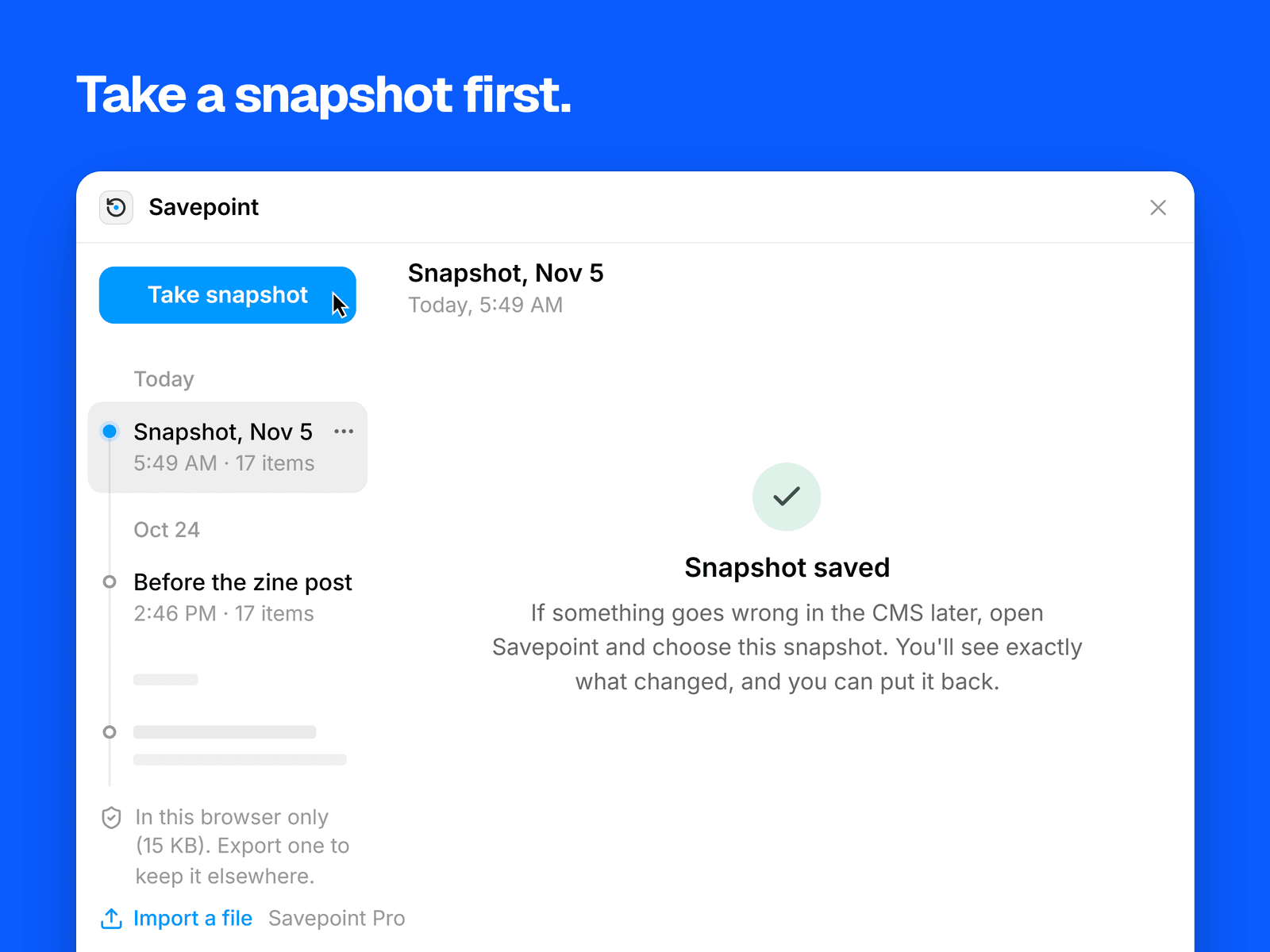
One click saves every collection: fields, items, slugs, drafts, translations, and links to images and files. The snapshot stays in your browser, and you can name it.
Compare
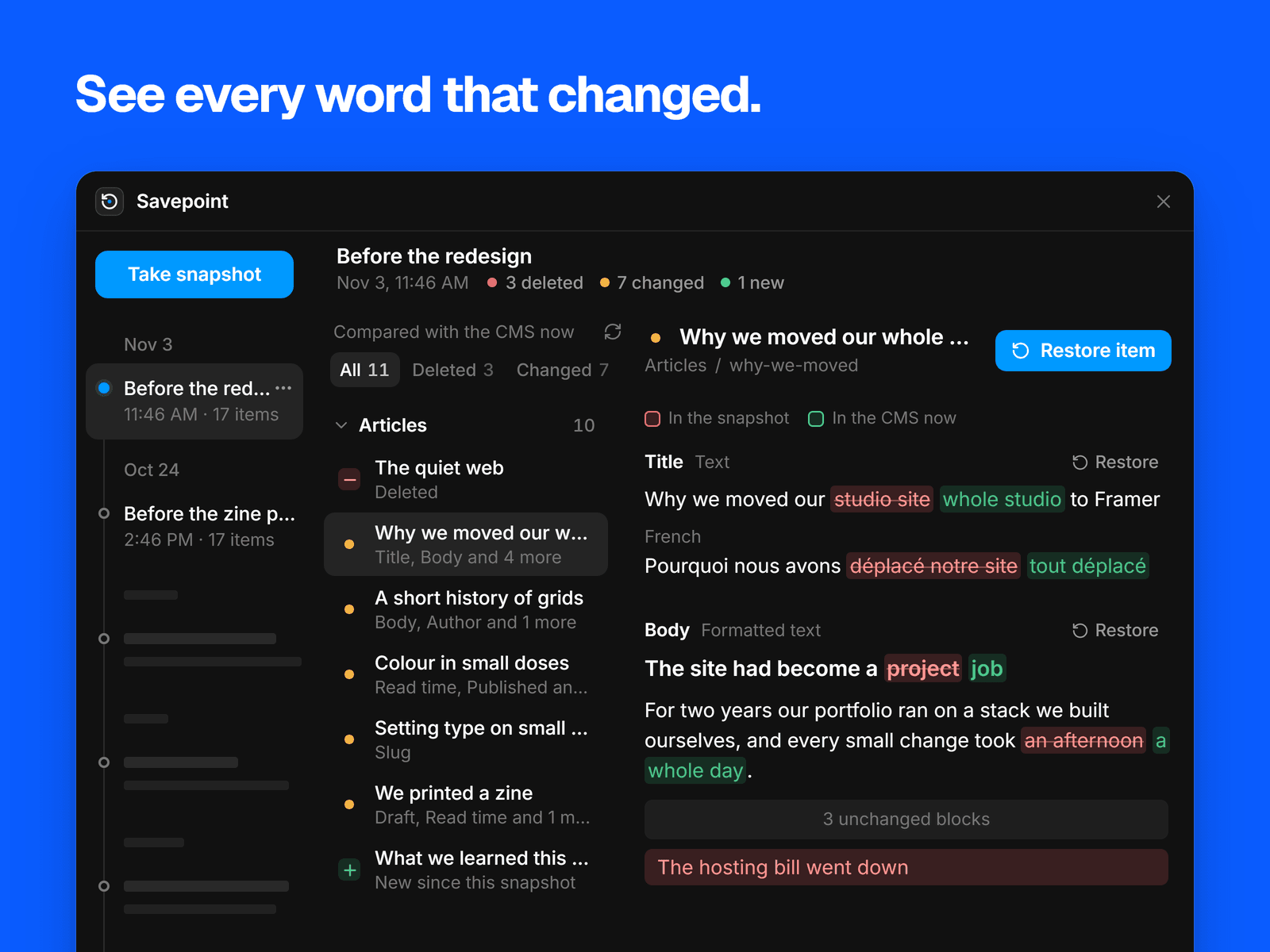
Compare a snapshot with the CMS as it is now, by collection, item and field. Long text gets a word-by-word comparison, images show side by side, and references show the names of what they point to.
Restore
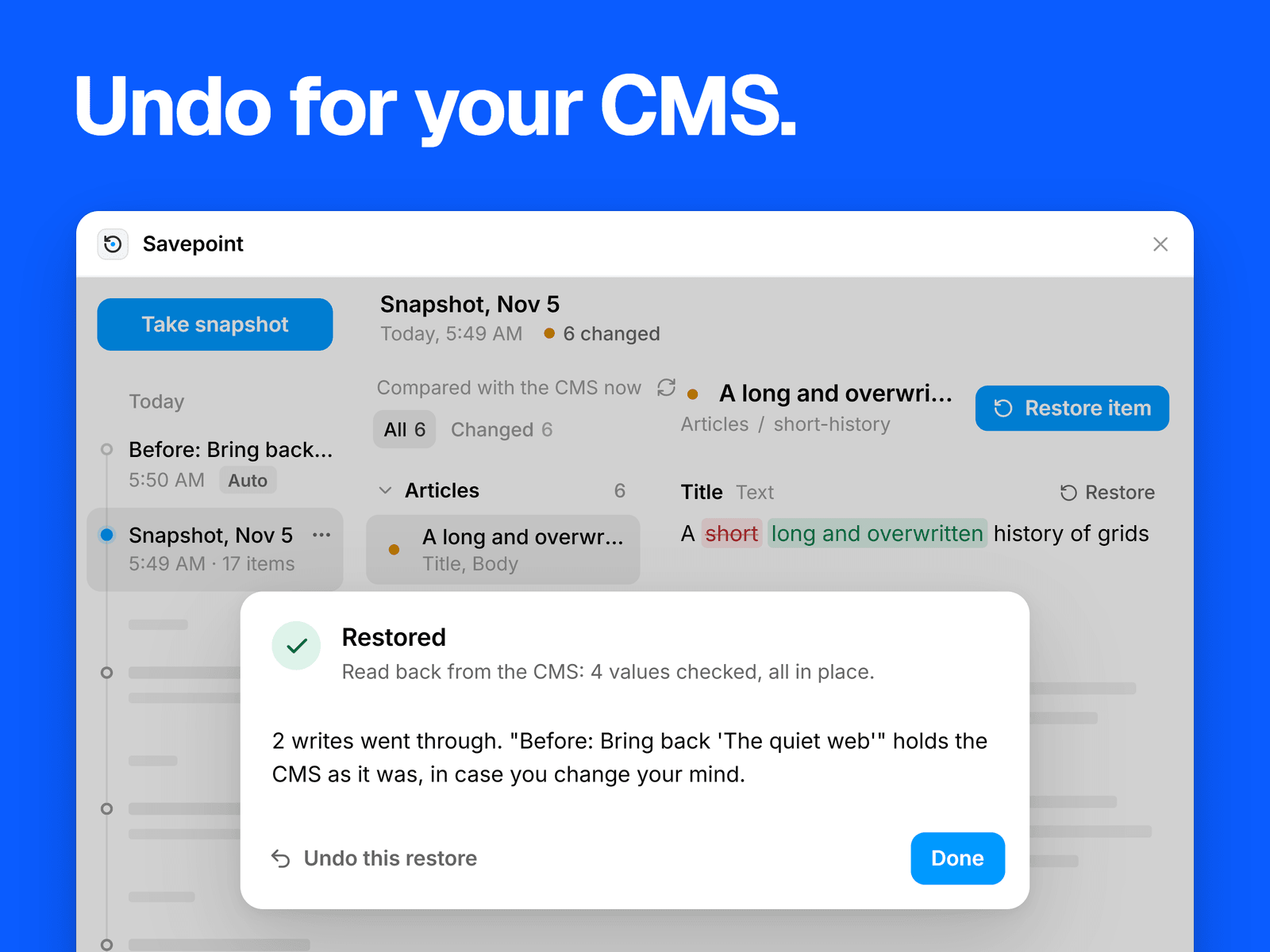
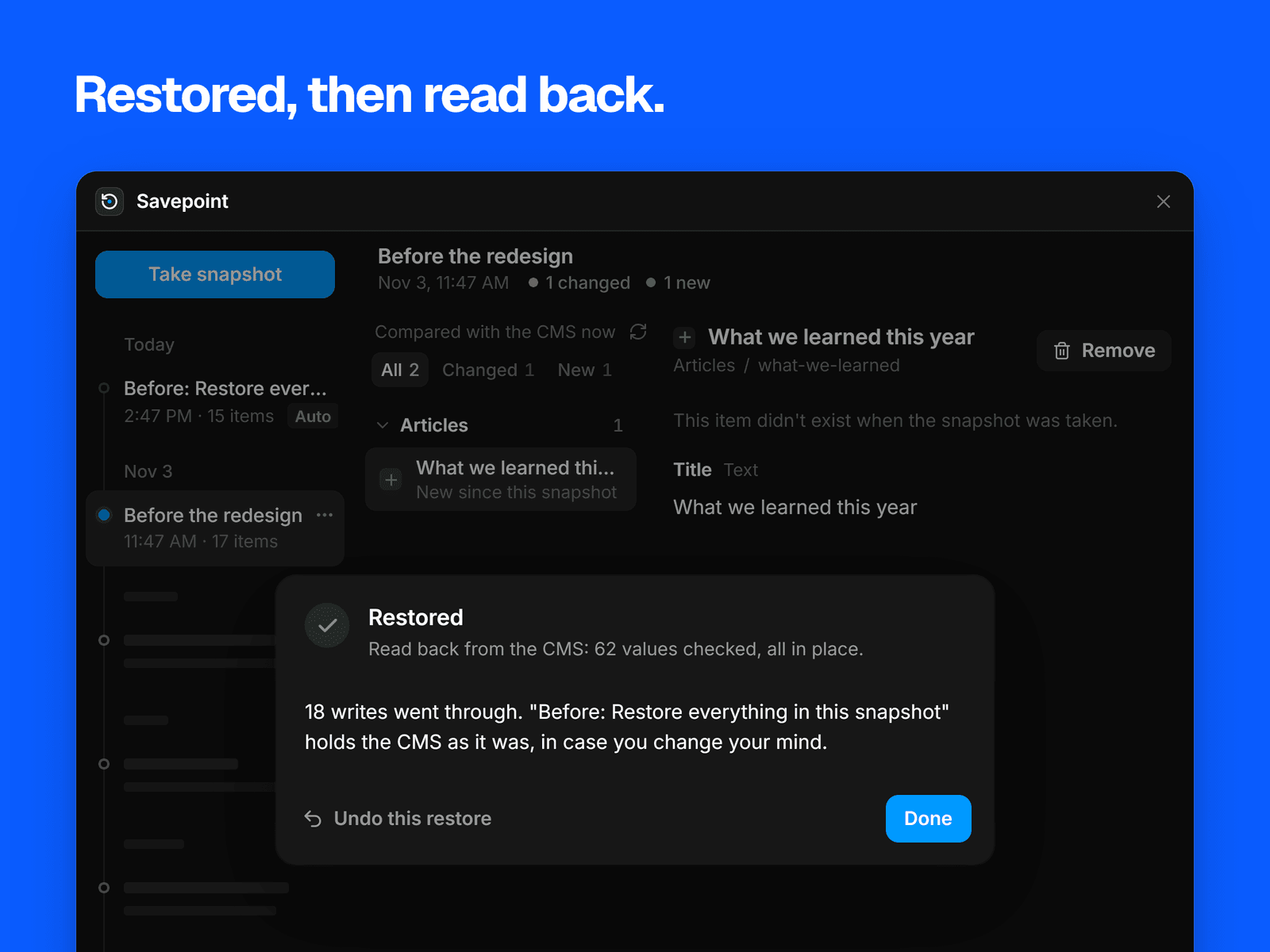
Put back one field, one item, a deleted item, one field across every item, a whole collection or everything. A preview shows every change first, and Savepoint saves a safety snapshot so a restore can be undone. Afterwards it reads the CMS back and tells you about any value that didn't persist.
Framer gives a re-created item a new id, so Savepoint points other items back at it. If a slug is taken, it picks a free one and tells you. If an image no longer exists, it tells you and brings back the rest. Collections owned by another plugin can be compared but not restored.
Pricing
Free: every collection, your newest 3 snapshots, and the full comparison.
Pro, $15 USD once with no subscription: restoring and undoing, exporting and importing snapshot files, and unlimited snapshots.
You pay in your browser and get a license key by email. Enter it on our activation page to get an unlock code, then paste the code into Savepoint. Pro stays on in that browser, and the same code works in your others.
What Savepoint needs
You need a Framer account and nothing else. Savepoint checks your unlock code on your computer, so it sends nothing about your license anywhere. Your CMS content stays in your browser.
Support: syaokay@gmail.com