About Stepwise
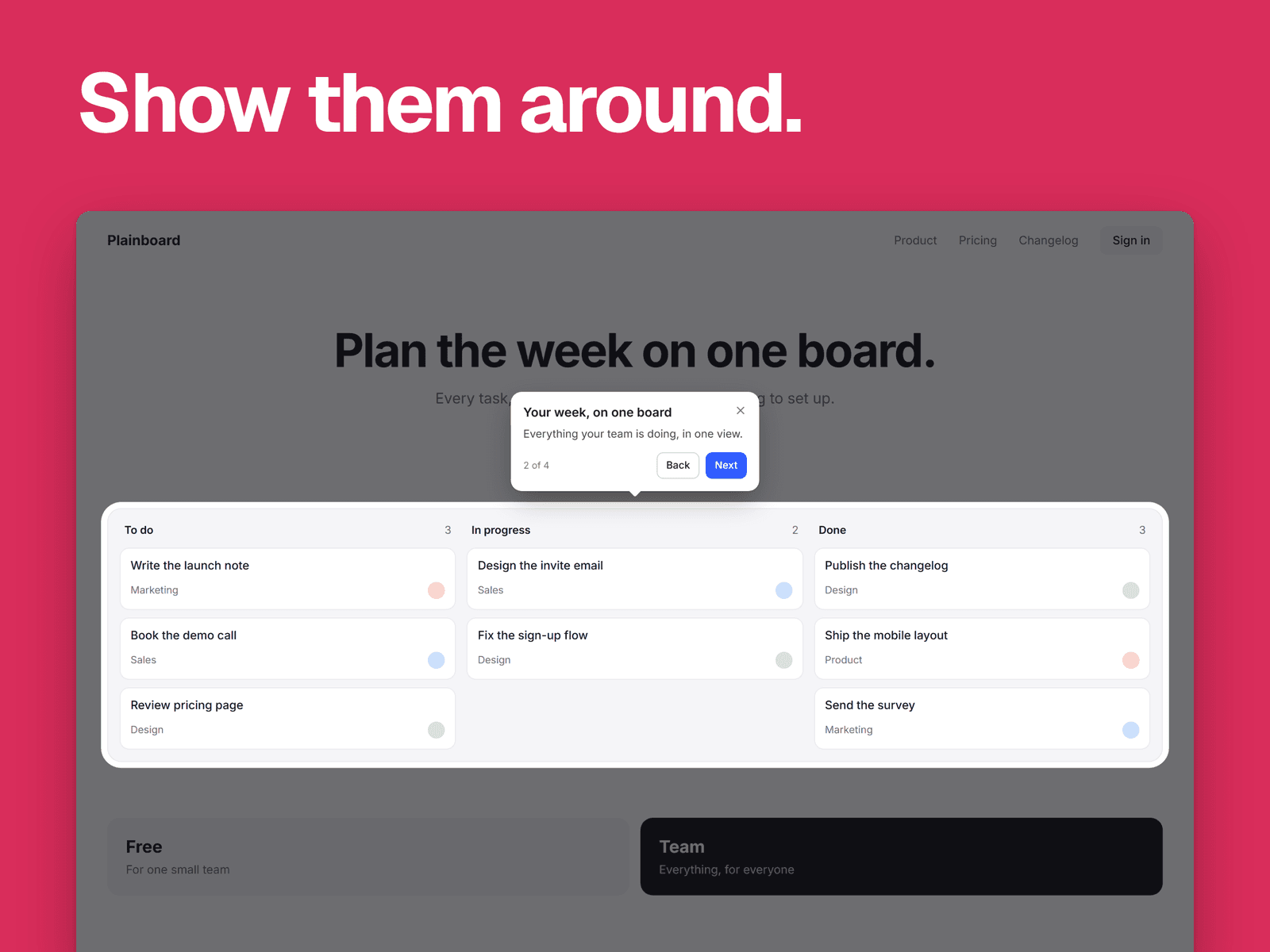
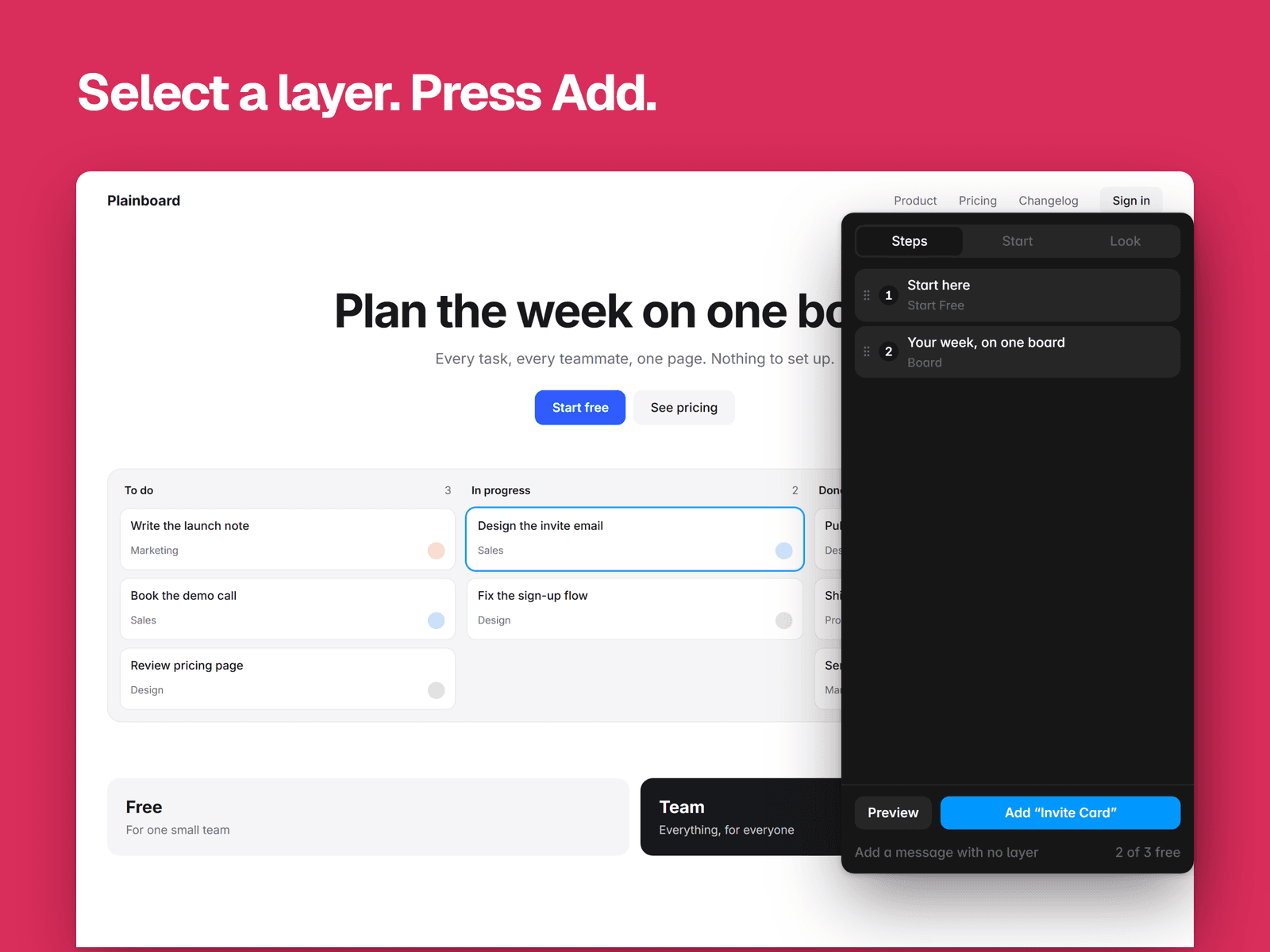
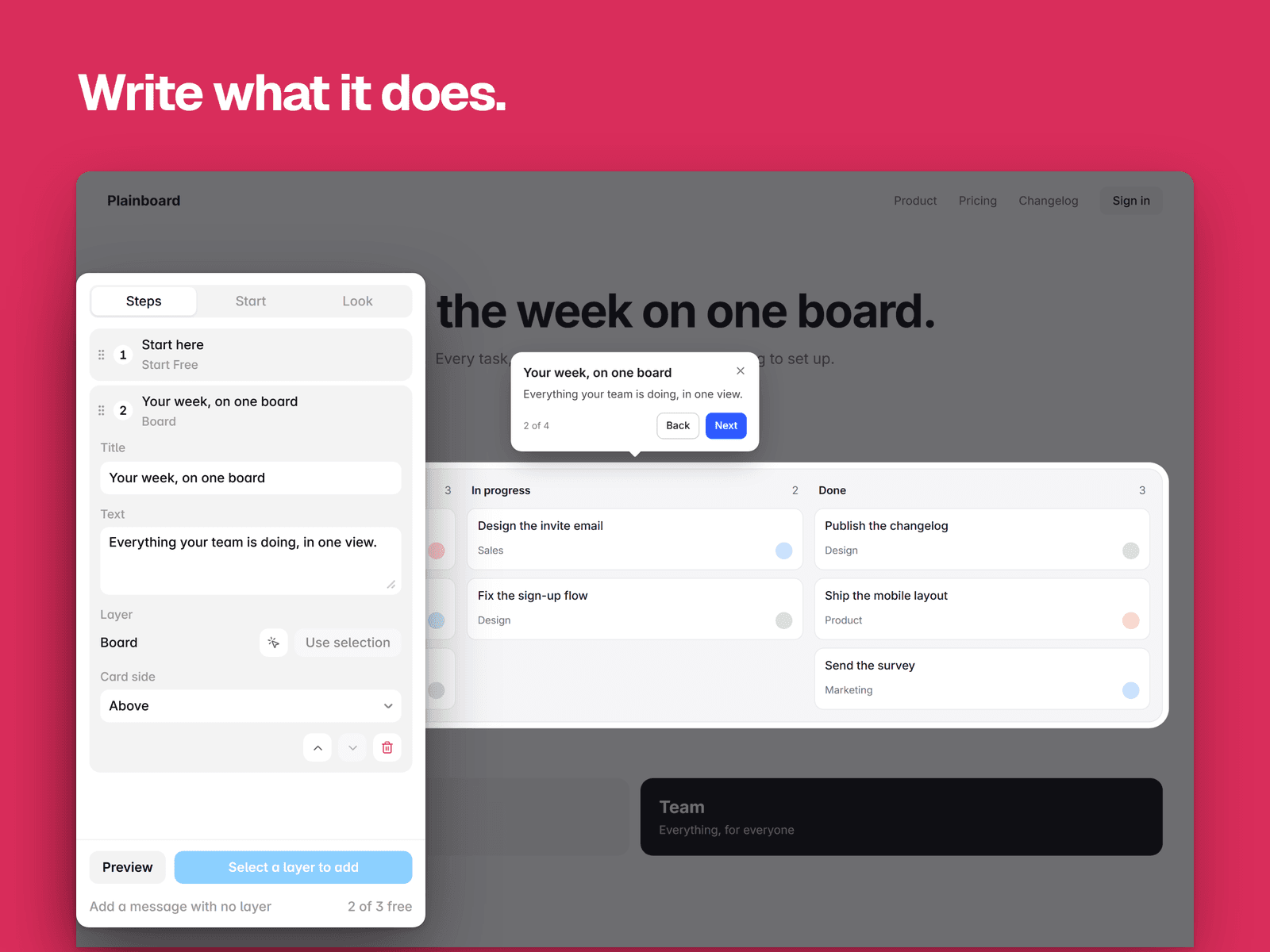
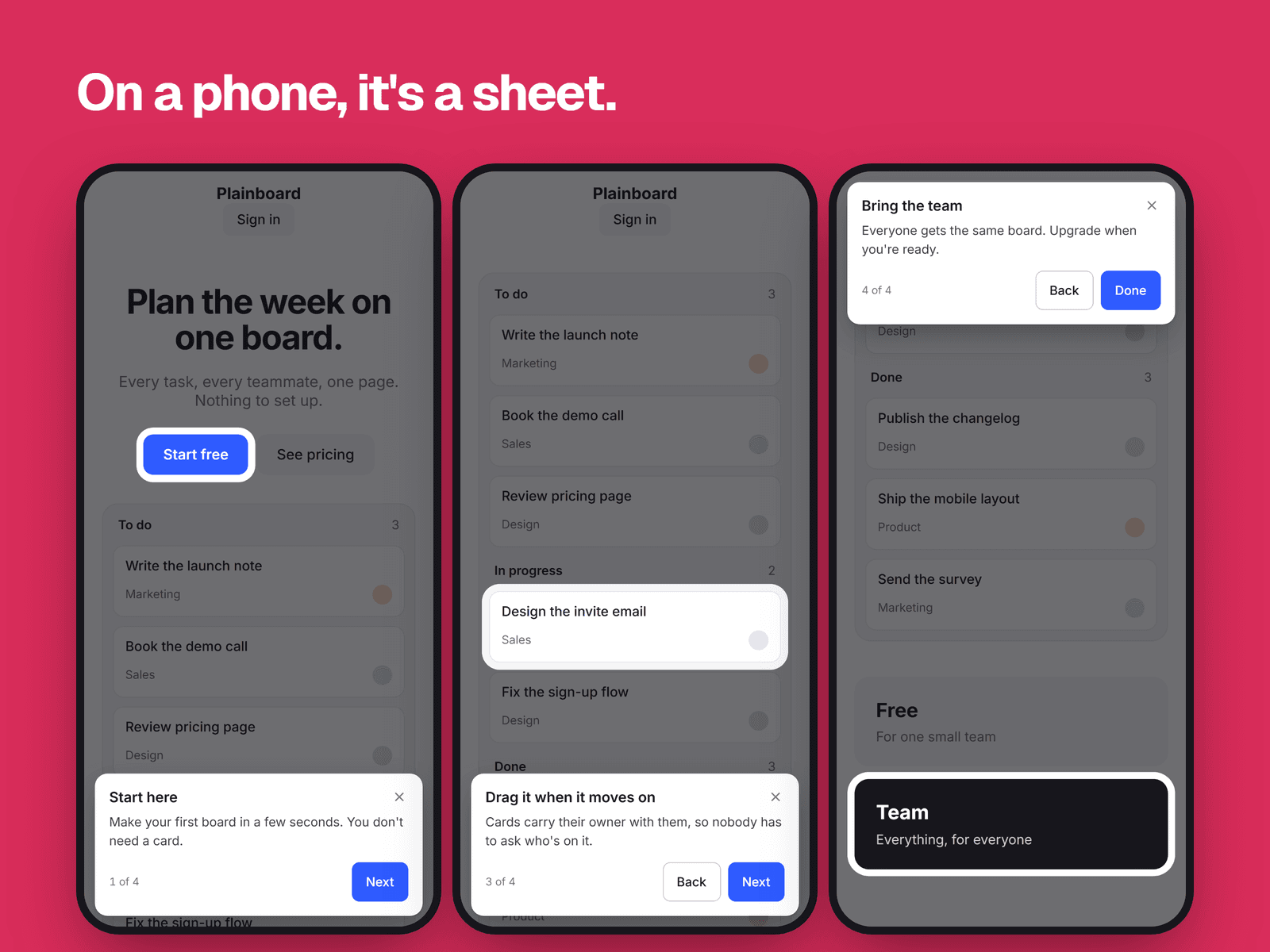
Stepwise adds a guided tour to your Framer site. Select a layer on the canvas, press Add, and write what it does. Visitors see a spotlight that glides from step to step, with Next and Back.
There are no selectors to type and no screenshots to pin. A step points at a real layer, so it stays right when you change your design.
What you can tour
Any frame, text or component on the page
Fixed navigation, sticky sections and frames that scroll sideways
Layers that animate on scroll, because the spotlight follows them as they move
CMS lists and tickers, using the first copy a visitor can see
How it starts
By itself when the page loads, with an optional delay
From a button, using any layer you select
Or both, so a button replays it
Once per visitor, if you like
On phones and for everyone
On a phone the card becomes a sheet with large buttons, and the page scrolls the layer clear of it
Steps a layer can't show at that screen size are skipped, and the count stays correct
Arrow keys, Enter and Escape work, and focus stays in the card
Reduced motion is respected
Your site, your style
Set the colors, corners and dim amount in the plugin, and pick fonts and color styles in Framer's Properties panel. Change the words on the buttons to any language.
Private and light
The tour adds about 9 KB to your page and only loads where you use it. It makes no network requests, uses no cookies and sends nothing anywhere. To remember returning visitors it keeps one small flag in their own browser.
Good to know
One tour per page, and a tour stays on its page
Steps have plain text, not images or links
Inside a component, a step can highlight the whole instance, not one layer in it
Free and Pro
Free tours have three steps per page, and every feature. Pro is $15 once and removes the limit. Tours you've published keep running either way. You buy it in your browser and paste an unlock code into the plugin, which sends nothing anywhere.