About SupaBridge
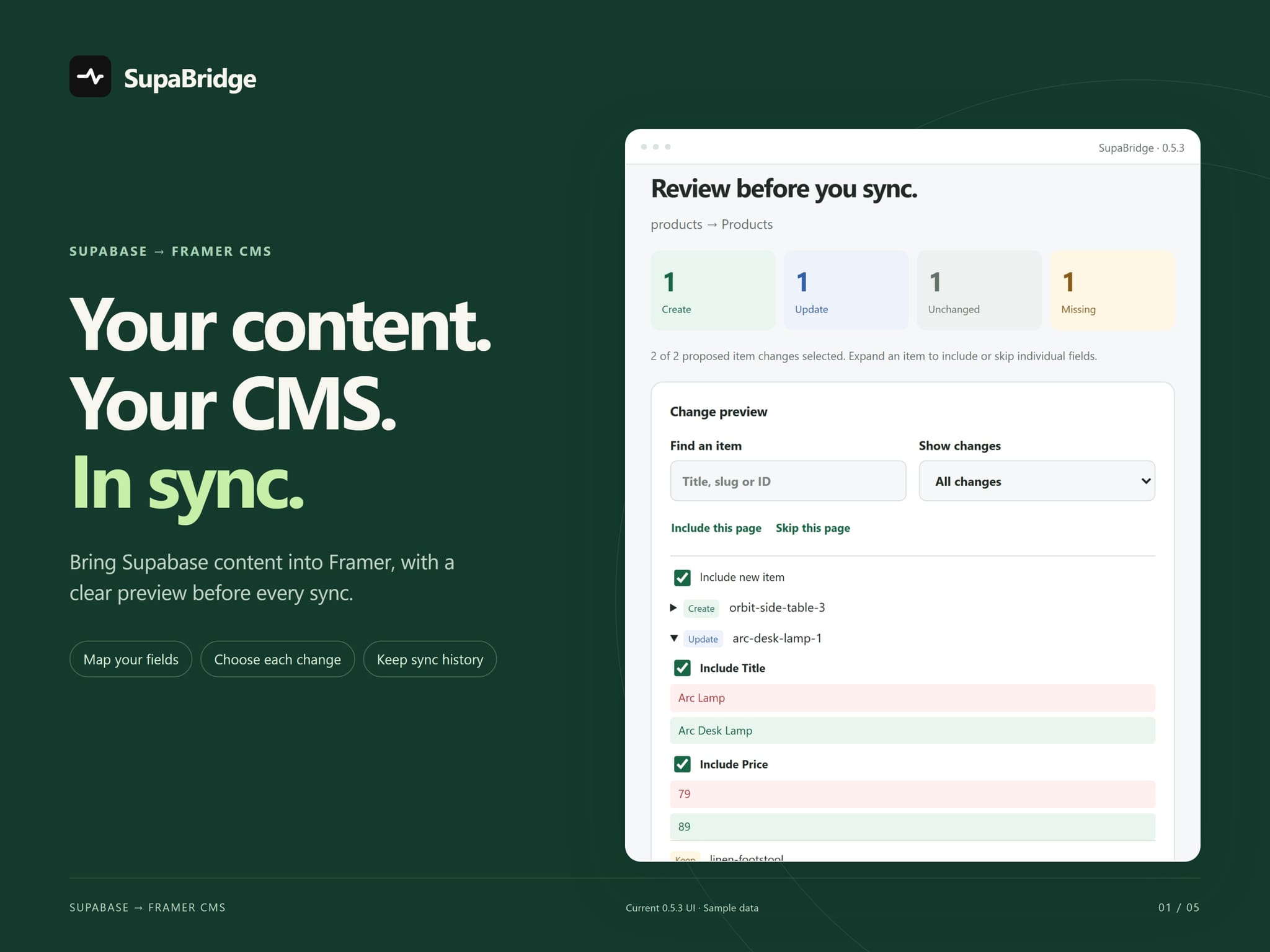
Bring Supabase content into Framer CMS. Review every change before you sync.
How it works
Connect a Supabase table or view with a publishable or anonymous key.
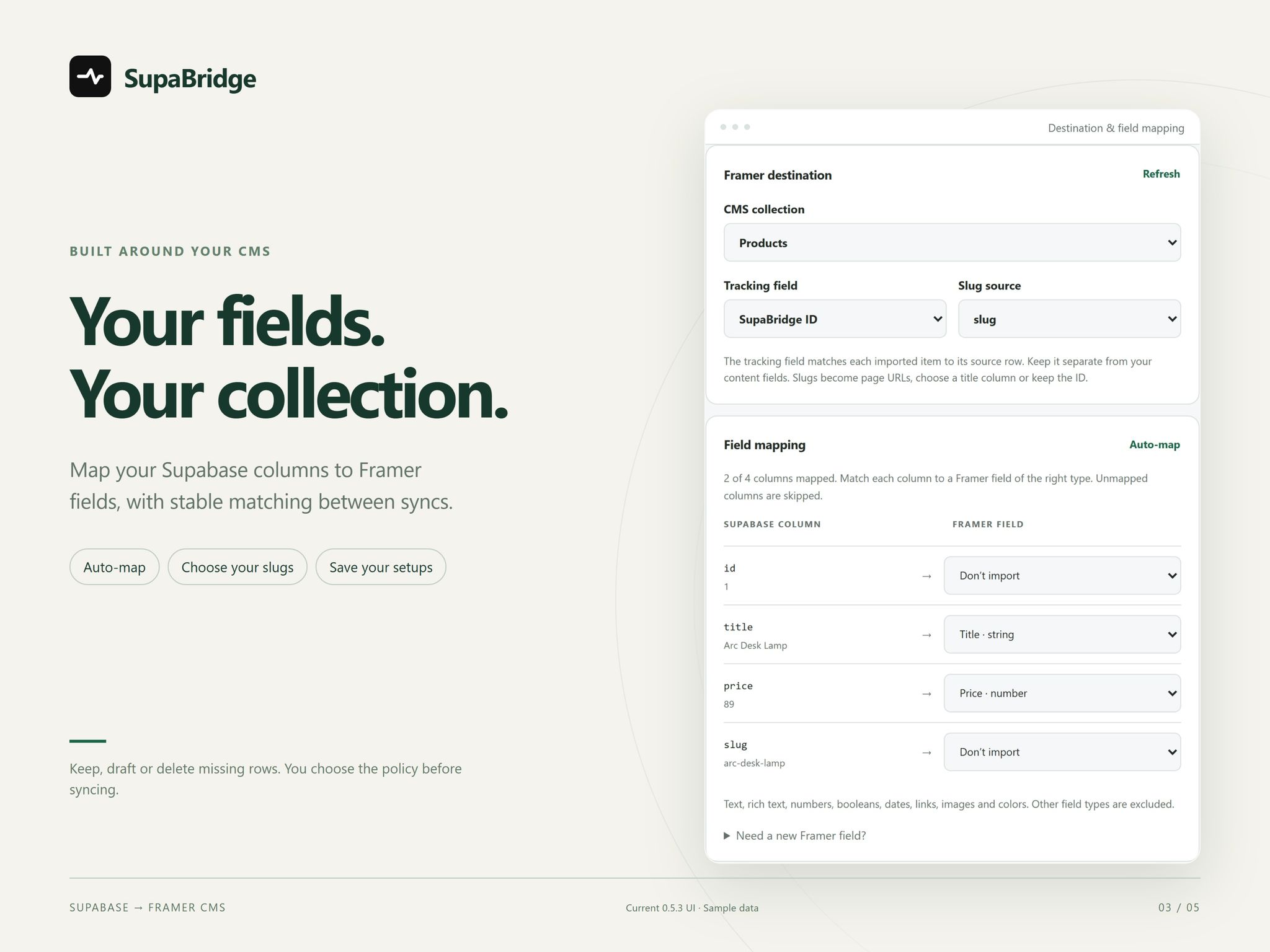
Map columns to an existing CMS collection and add missing fields.
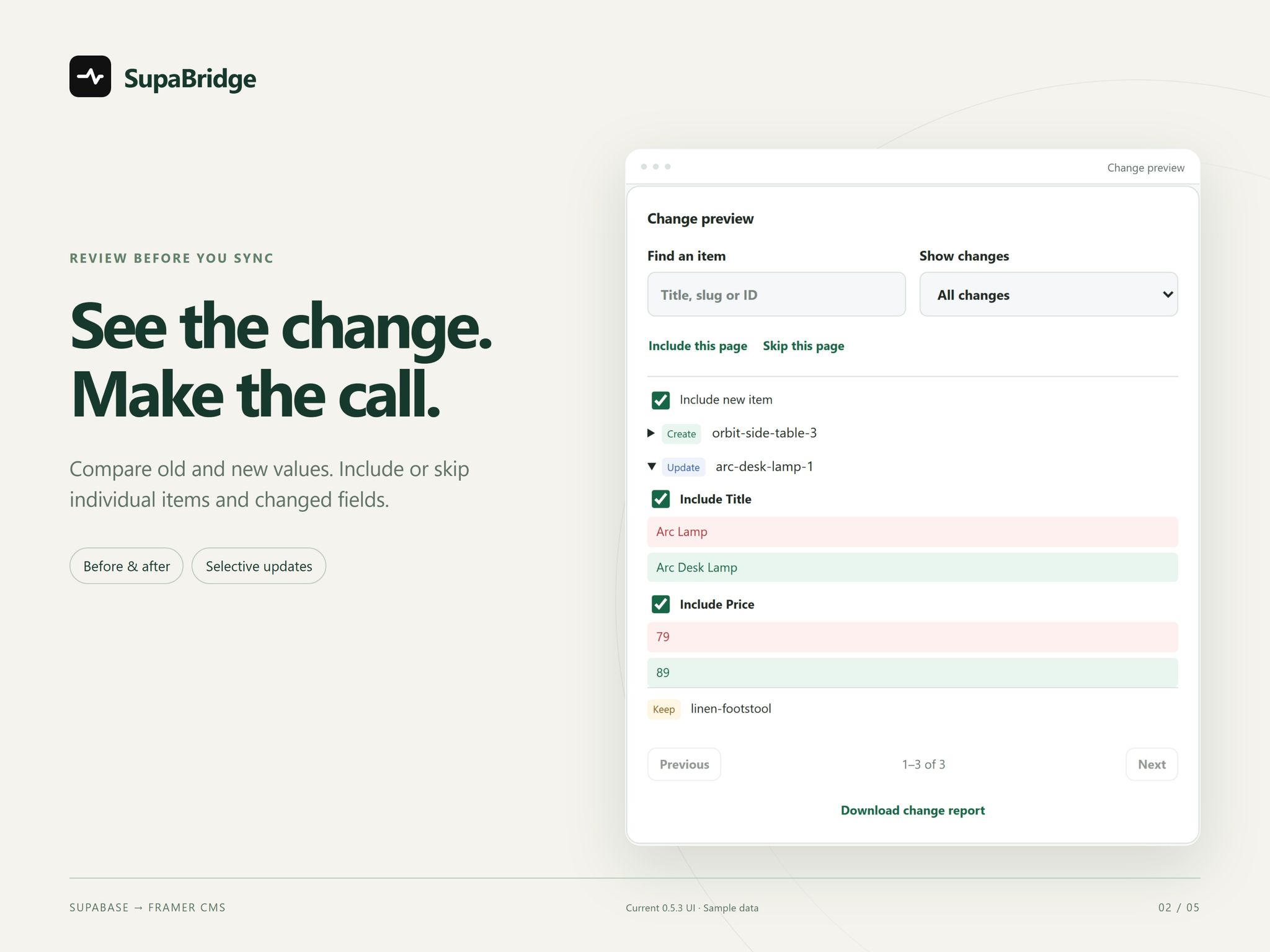
Review new, changed and missing items, choose what to apply, then sync.
Control every update
Selective sync. Choose individual items and changed fields.
Stable matching. Keep untracked CMS items untouched.
Reusable setups. Save 20 mappings per project, reuse unchanged images and export reports.
History and undo
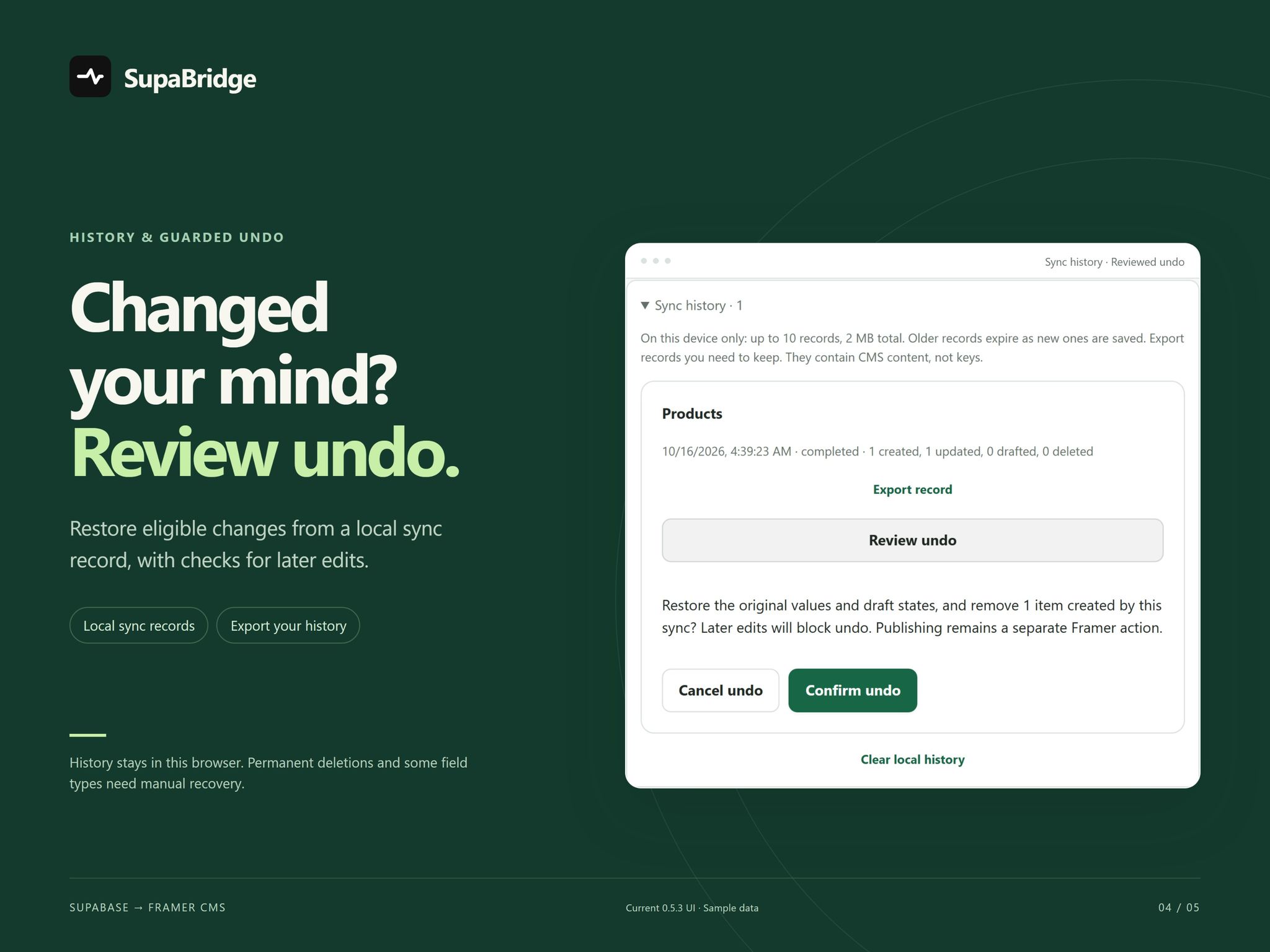
Undo eligible syncs with checks for later edits. Local history keeps 10 records within 2 MB in the same browser. Use Draft for reversible removals. Permanent deletions and some field types require manual recovery from exports. History is not a backup.
Free and Pro
Free: 25 source rows and 25 tracked CMS items per collection, across setups.
Pro: $39 USD, one-time purchase, plus applicable tax. Up to 5,000 accessible rows per manual sync, within your Framer plan limits.
One purchaser, unlimited own and client projects, two connected browsers. No subscription, sharing or resale. Pricing and Pro details.
To activate Pro, sign in on our website with your purchase email, match the connection code and approve. Reconnect every 30 days.
Before you connect
Manual sync only. Supabase RLS and grants must allow access. Signed-in private sources, managed collections, relations and arrays are unsupported. Full limits and setup.
Pro requires an internet connection. Privacy · Official support