Optimizing projects
When opening older projects, Framer performs optimizations to enhance performance without altering the appearance of your website.
FAQ
What does optimization do in Framer projects?
Optimization improves loading and editing speed, removes heavy computations such as calculating hashes for SVG graphics, and ensures better performance without affecting your site’s design.
What happens when I open a project that requires optimization?
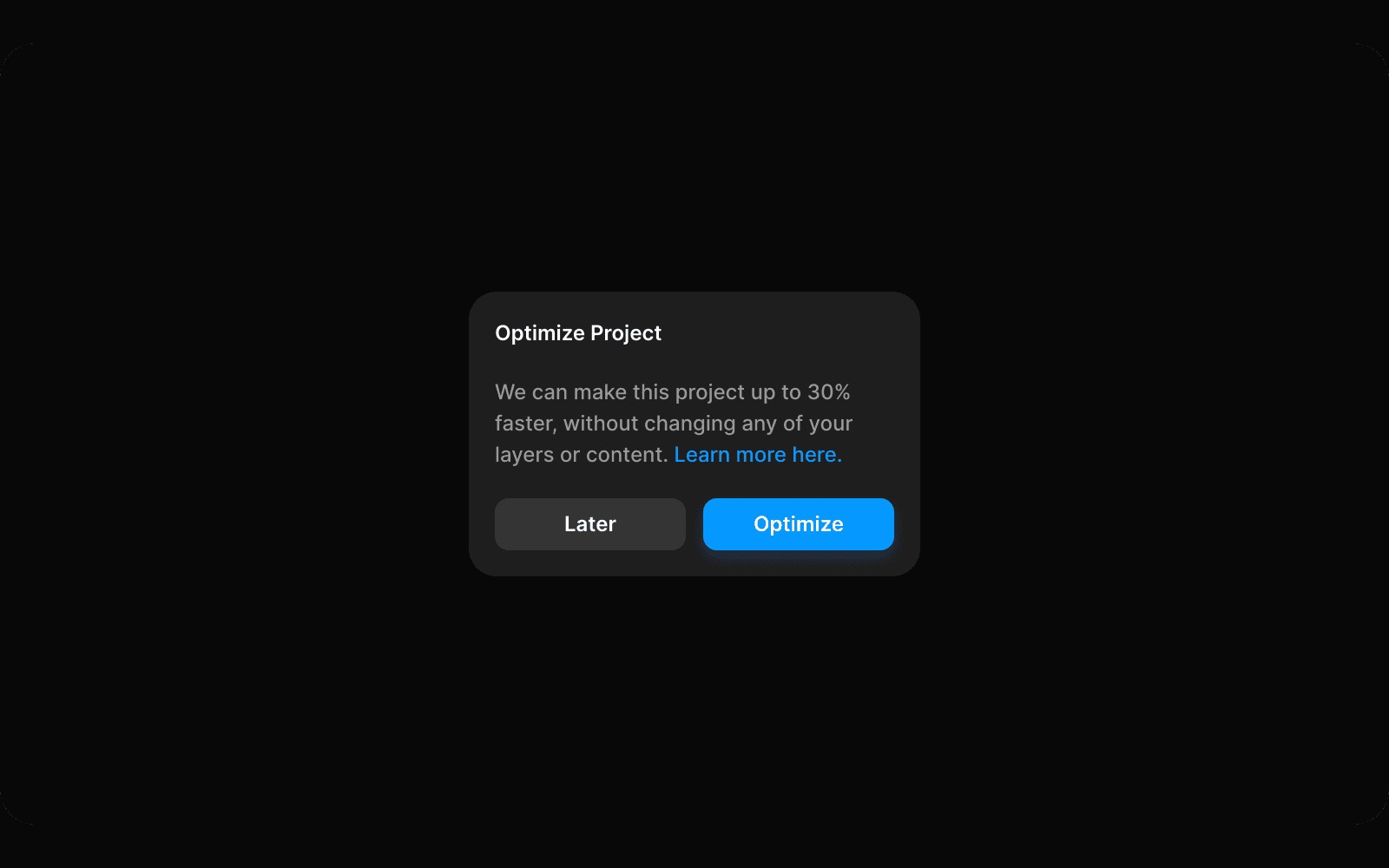
When opening certain projects, a modal window will appear stating that your project requires optimization. Framer identifies layers that can be enhanced for better performance, and the optimization process runs automatically and is safe. If you cancel, the modal will reappear each time you open the project until optimizations are completed.
What are the benefits of optimizing my Framer project?
Optimizing your project results in faster project loading times, a smoother editing experience, and reduced computation requirements, allowing for more efficient workflows.
Updated