Framer vs Sanity: From CMS to published website, faster
Framer is a visual website platform with a freeform canvas, CMS, SEO, hosting, and publishing built into the page workflow. For Sanity teams, it takes structured content all the way to designed, live pages.










Framer vs Sanity: AI website builder, CMS, SEO, and workflow comparison
Feature | Framer | Sanity | What this means for you |
|---|---|---|---|
AI website building | AI pages connect canvas, CMS, publishing | Sanity is content-first | Create pages without a separate front end |
Framer Agents | Agents draft pages and update CMS | No visual site-native agent layer | Use AI to improve content and pages together |
CMS model | Visual CMS connected to layouts | Strong structured content modeling | Framer is better when CMS content must ship pages |
Design workflow | Canvas, components, breakpoints | Design happens in another front end | Turn structured content into designed pages |
SEO and AEO | Metadata, FAQs, descriptions | SEO spans CMS and front end | Keep search work close to published pages |
Publishing | Hosting, SSL, CDN, redirects | Needs a separate site stack | Launch CMS-backed pages from one platform |
Collaboration | Branch, review, publish | Depends on CMS and front-end process | Reduce content, design, and publishing handoffs |
Developer extensibility | Code components and External Agents | Strong API and developer ecosystem | Use Framer when visual ownership matters more |
Enterprise readiness | Security and governance for site teams | Strong content operations at scale | Both scale; Framer reduces production layers |
Best fit | CMS pages with visual ownership | Sanity fits headless content operations | Choose Framer when CMS should ship the site |
Why Framer is faster than Sanity for published websites


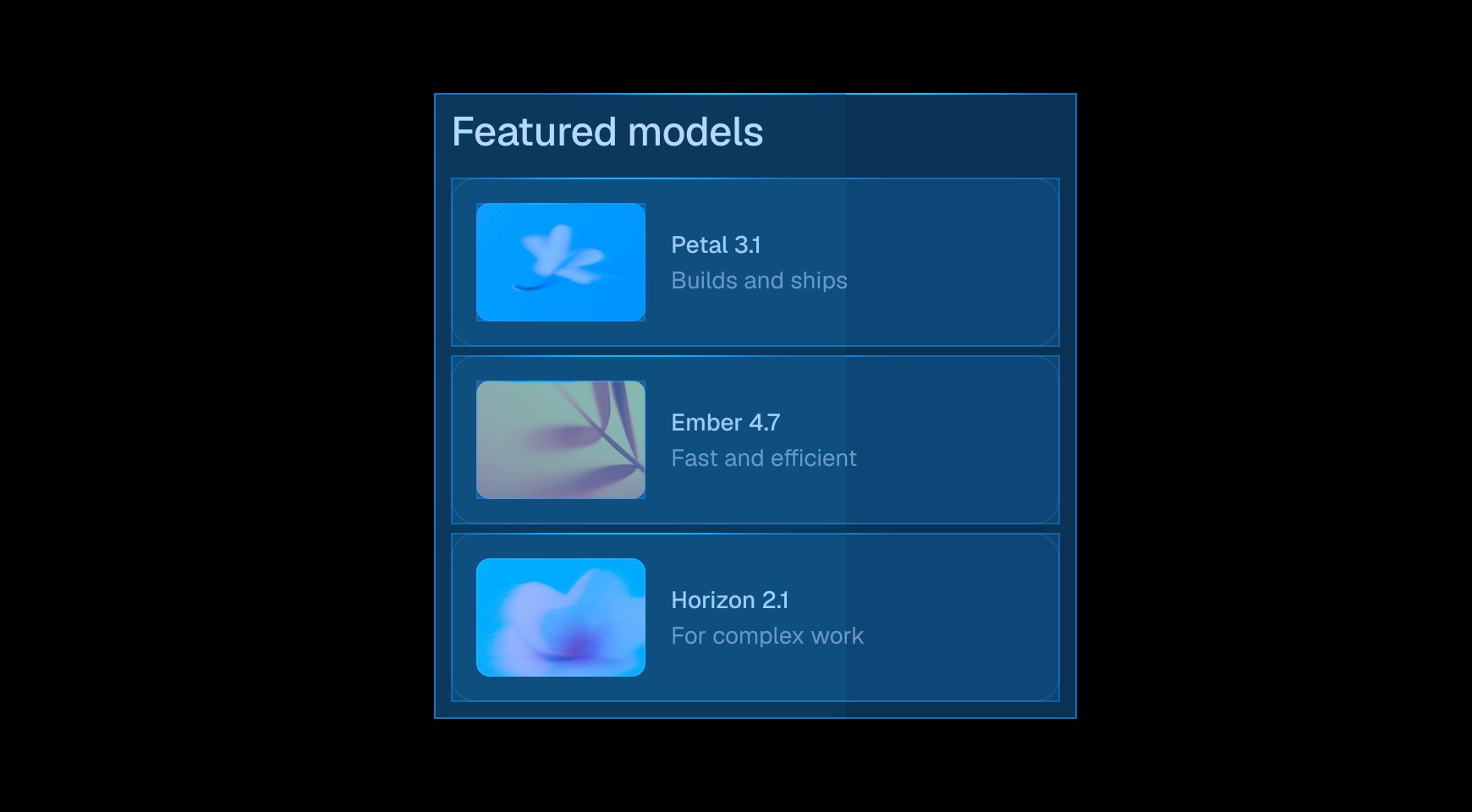

Unlike Sanity’s custom content-platform workflow, Framer helps teams generate and refine website pages with AI without needing a separate front-end stack.




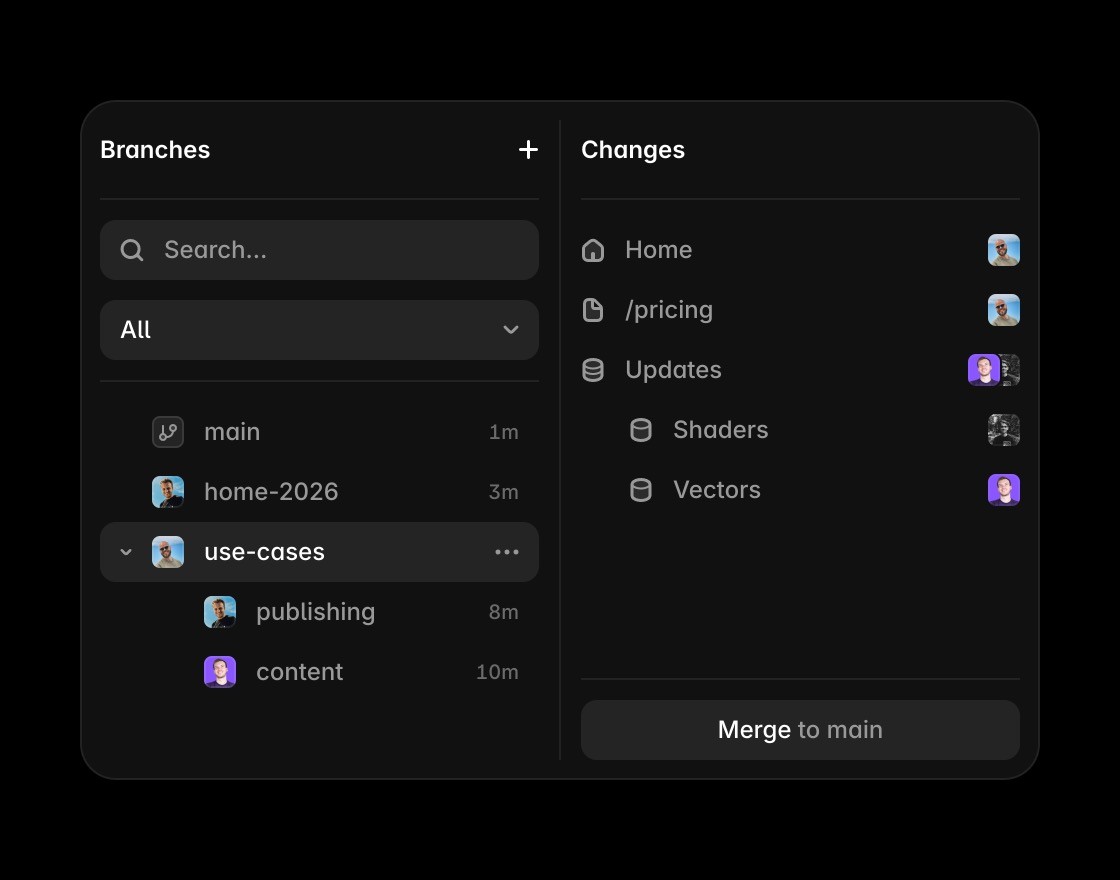
Teams can collaborate on branches, review changes, and publish pages without routing every website update through custom development.

Framer keeps CMS content, page design, and SEO editing together, so content changes can be judged in the context of the final website.


Reusable components let teams turn structured content into consistent page layouts without maintaining a separate front-end component stack.
Turn CMS content into published pages
Framer connects CMS fields to the actual page so editors can review structured content in the context of the live website.
Use the canvas when the comparison is about turning CMS content into pages with layout and visual hierarchy.
Framer brings metadata, headings, FAQs, and structured answer content close to the CMS-powered page.
Framer publishes CMS-backed pages without requiring a separate front-end stack, deployment flow, or hosting setup.
Agents can draft pages, update CMS content, and review SEO gaps while keeping approved changes editable.
Explore Framer resources for content hubs, CMS pages, components, and production-ready website patterns.
Why teams choose Framer over Sanity



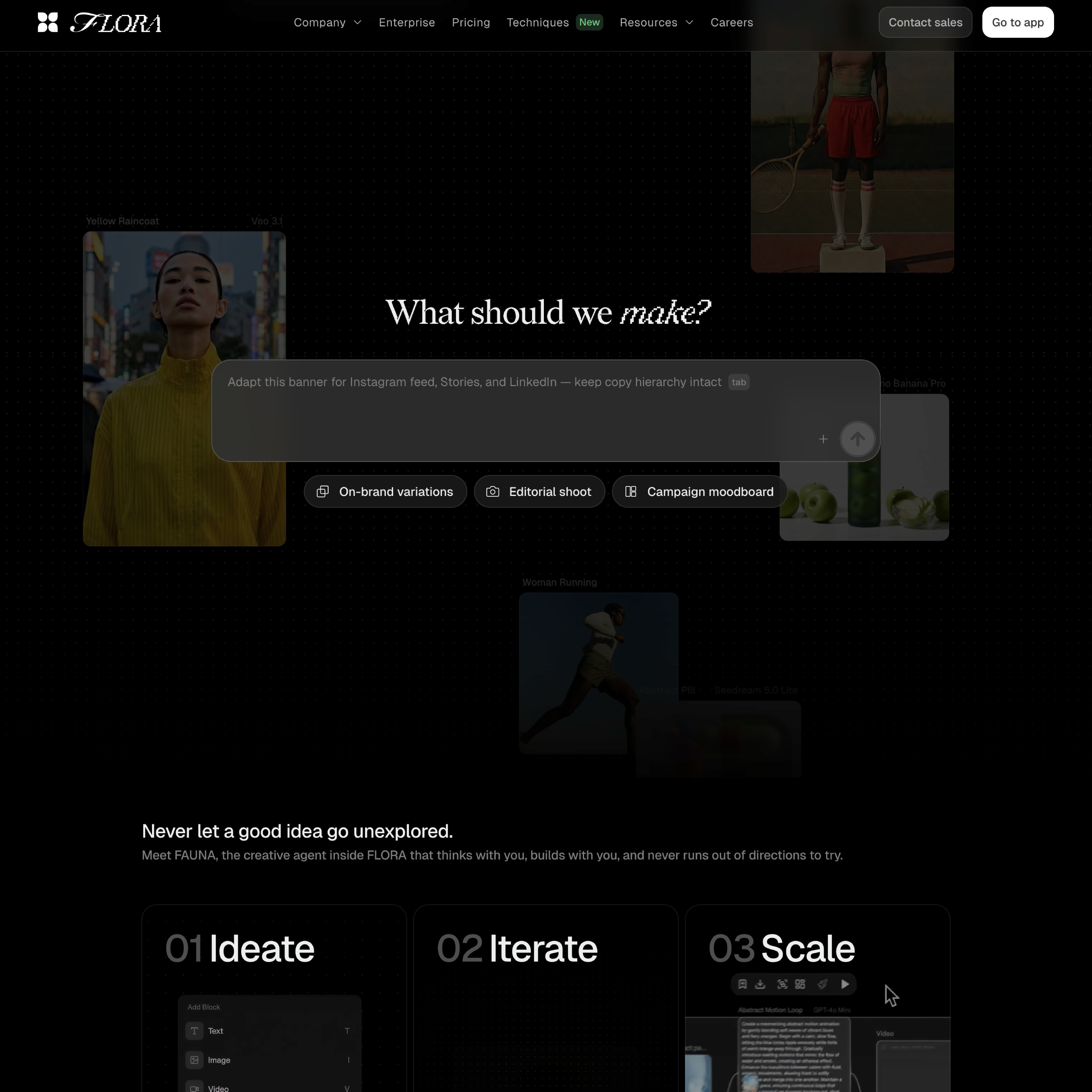



Compare Framer with other tools















Frequently asked questions
Is Framer better than Sanity for AI-assisted published websites?
Yes, when the goal is a CMS-backed website that teams can design, edit, and publish visually. Sanity is strong for structured content, but Framer connects CMS fields to the live page. Teams can manage content, layout, SEO, hosting, and publishing in one workflow, without coordinating every website change through a separate front-end project.
Can Framer replace Sanity?
Framer can replace Sanity for marketing sites, resource hubs, landing pages, and comparison pages that do not need a custom headless architecture. The CMS stays close to the canvas, so editors can see how content reads inside the final page before it goes live. That makes the decision easier for teams comparing tools by day-to-day ownership.
What makes Framer easier for content teams?
Framer is easier for website teams because the CMS and visual page editor work together. Editors can update structured content, designers can adjust layout and components, and marketers can manage metadata and publishing without waiting on a separate front-end implementation. It also keeps future updates practical for people who are not writing production code.
How does Framer handle CMS, SEO, and publishing?
Framer keeps CMS content, metadata, headings, page structure, and publishing controls in the same platform. That helps SEO and AEO because teams can update answer-ready content and page descriptions where the website is actually built, instead of coordinating between CMS and front-end tools. That helps the page answer real search questions with concrete product context.
Why do teams move website work to Framer?
Teams move website work to Framer when they want fewer handoffs between content, design, and publishing. Framer supports CMS-backed pages, reusable components, SEO controls, hosting, and AI-assisted updates, so content operations can connect directly to a live website workflow. It gives teams a clearer path from evaluation to ongoing website operations.
Why choose Framer for CMS-backed websites?
Framer is the better fit when the priority is a CMS-backed website that designers, marketers, and content teams can edit and publish visually. The alternative can still fit custom content platforms, multi-channel operations, or teams with dedicated front-end developers building across several channels and applications.
